User Home Page
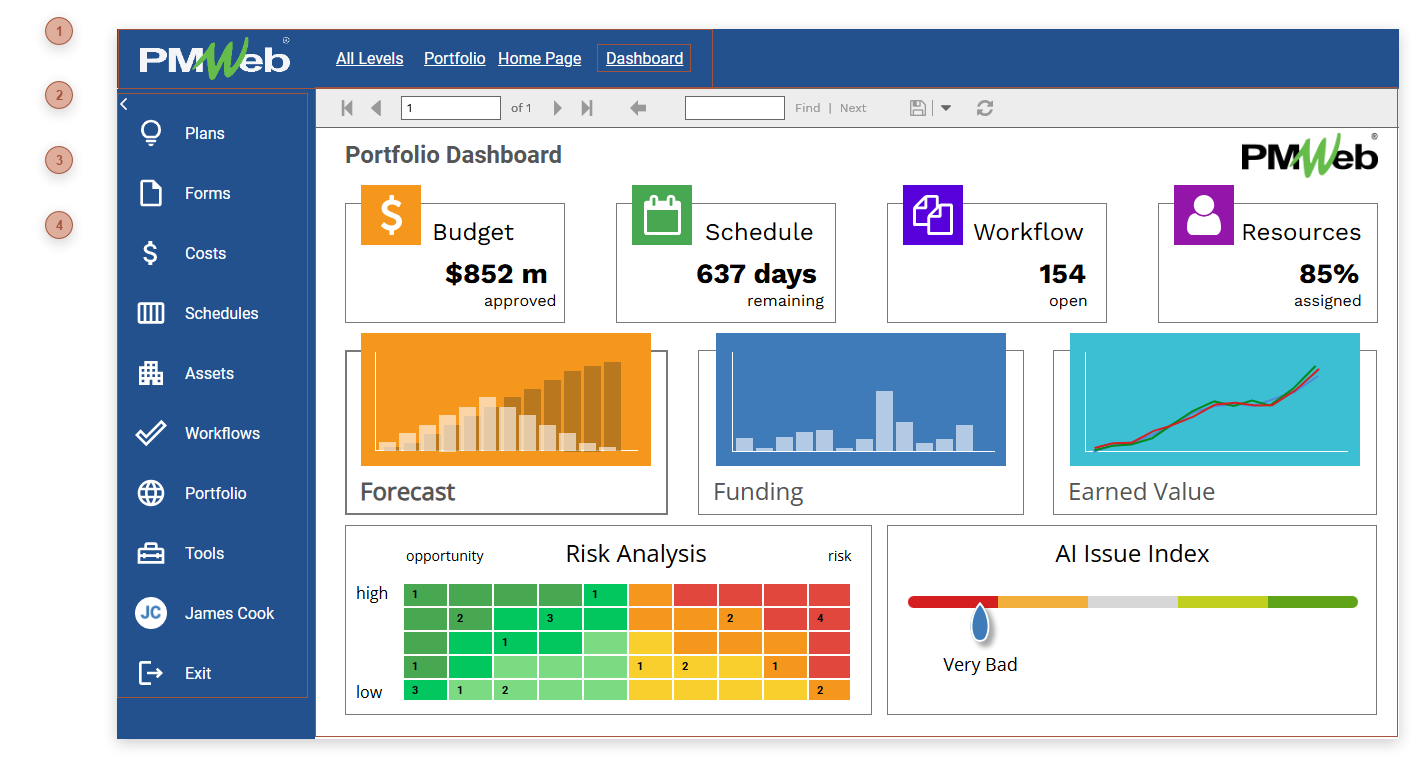
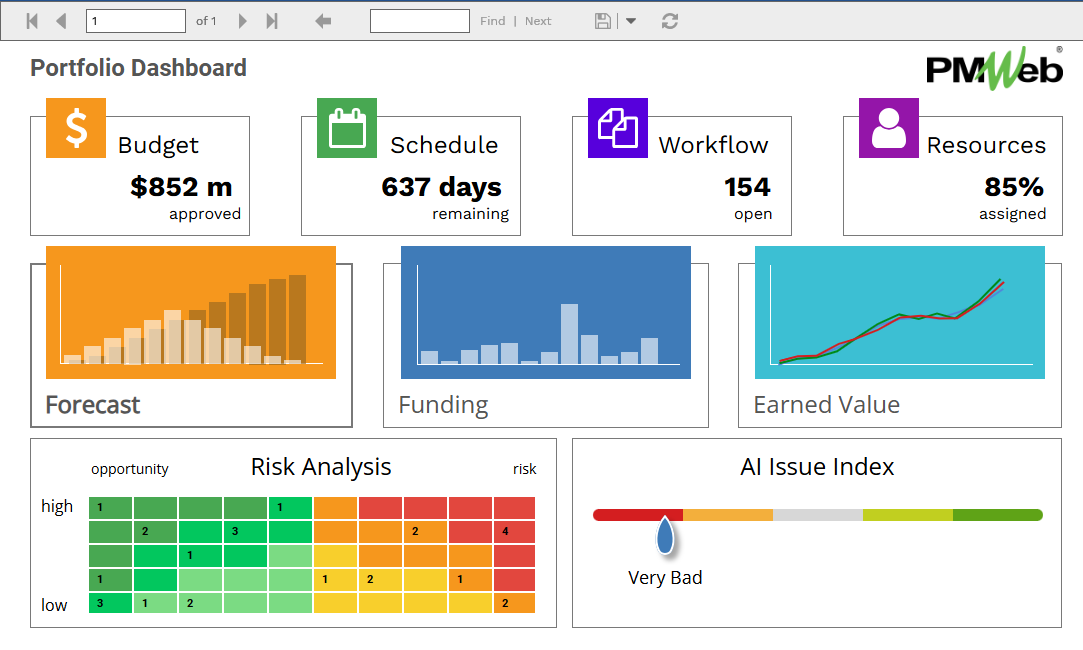
The user home page greets you when you log into PMWEB. The home page can be configured to present the information you need, organized the way you like it. The home page can contain many controls that allow you to interact with and navigate in PMWEB. The content that appears here is determined by configuration choices made in the Home Page tab of your Profile. To display a different homepage tab, click segment 4 of the breadcrumbs and select a tab. See Top Bar.
You can open the User Home Page by:
-
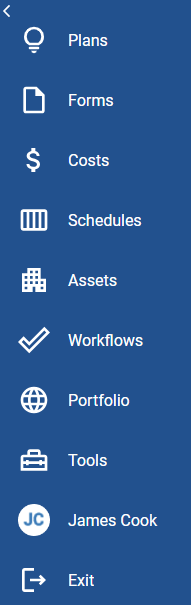
Clicking Portfolio/Home in the Control Panel
-
Clicking the PMWEB logo in the Top Bar
-
Using the Ctrl + Alt + H shortcut key combination