To properly display this page you need a browser with JavaScript support.
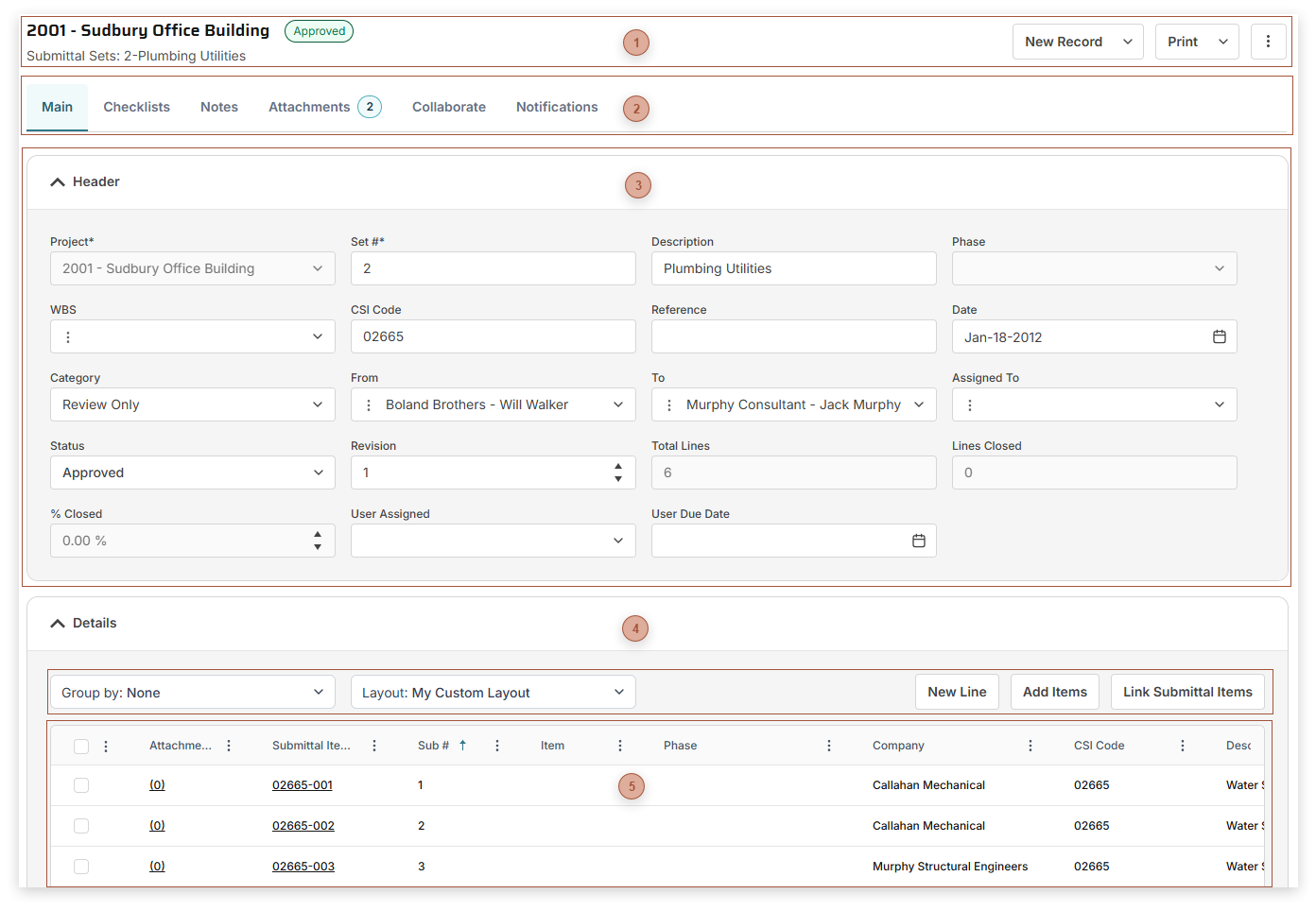
Use Submittal Sets to create and group
Submittal Items related to your projects.
Page Title Section
Record Tabs
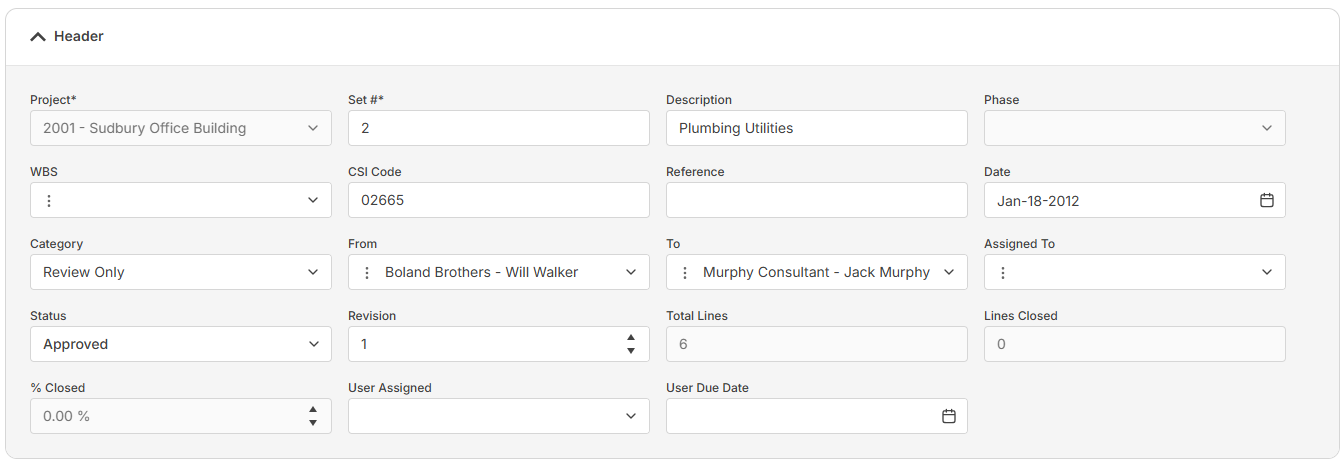
Header Fields Section
The fields that show here depend on your security settings and may include:
Set # Field - Required. An alphanumeric ID for the record
CSI Code Field - Type a CSI code here
Total Lines Field - Read only.
The total number of lines in the details table.
Closed Lines Field - Read only. The count of lines marked Closed.
% Closed Field - Read only. The percentage of lines marked closed.
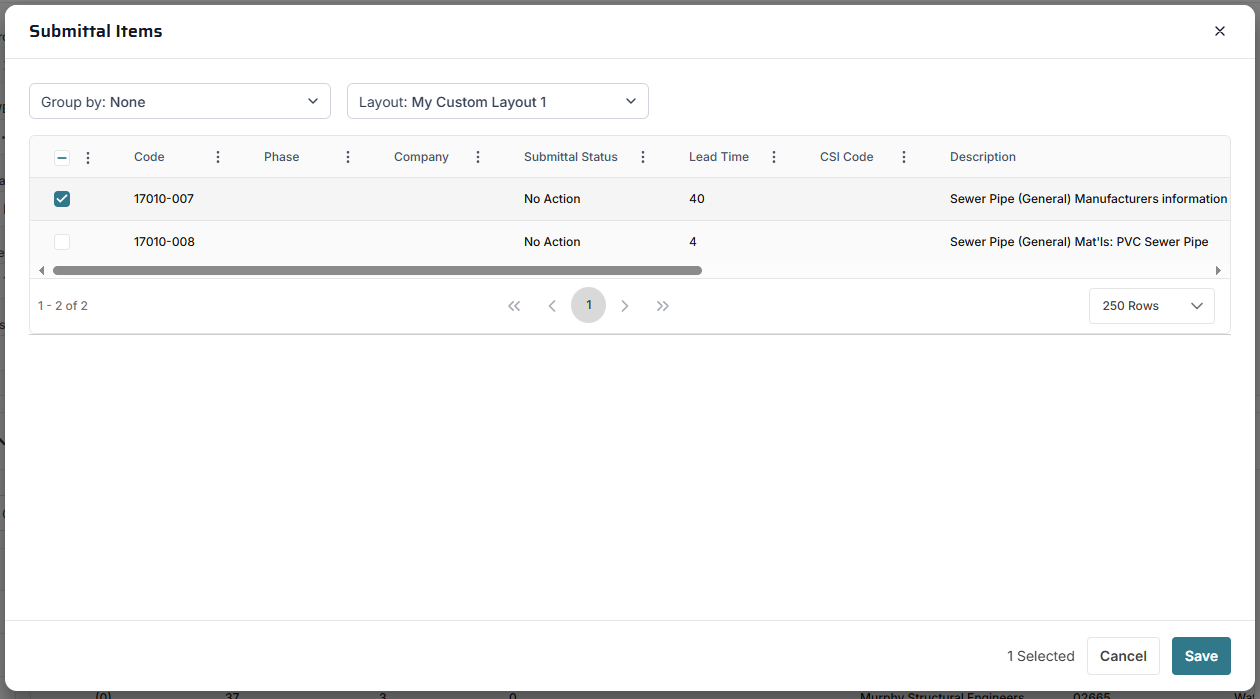
Details Table Toolbar Link Submittal Items Button - Click this button to open the Link Submittals dialog:
Select one or more Submittal Items in the table and then click Save to link them to the Submittal Set
Details Table The fields that show in this table depend on your security settings and the layout selected and may include:
CSI Code Field - Type a CSI Code here
Sub # Field - The number of the submittal line within the set
Read only. If the line is linked to a record in Submittal Items , the ID of the item appears here.
Status Field (Submittal Items) . If you select "Revise & Resubmit", as soon as you save the line the next incremental revision of the line is automatically created for you.