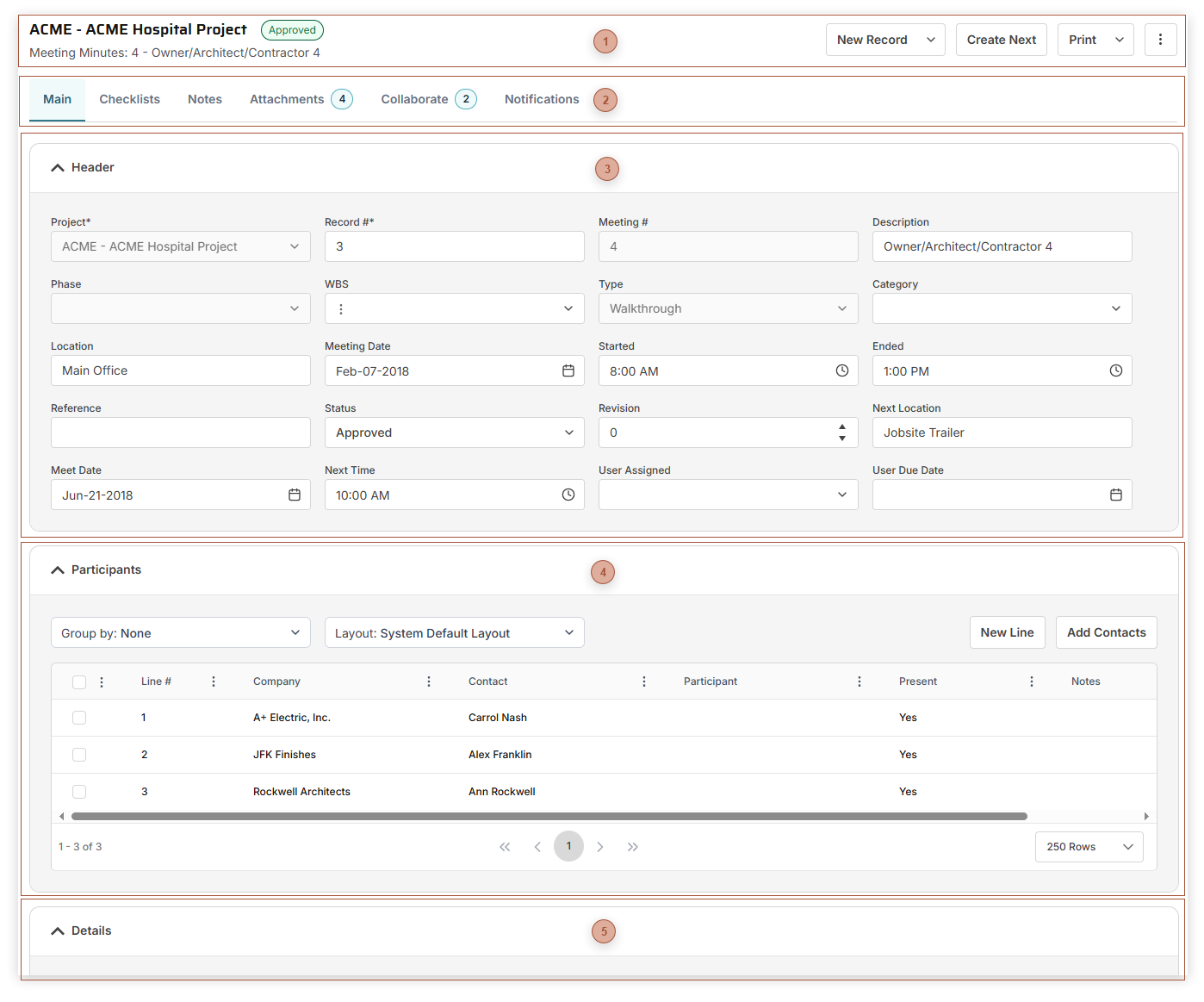
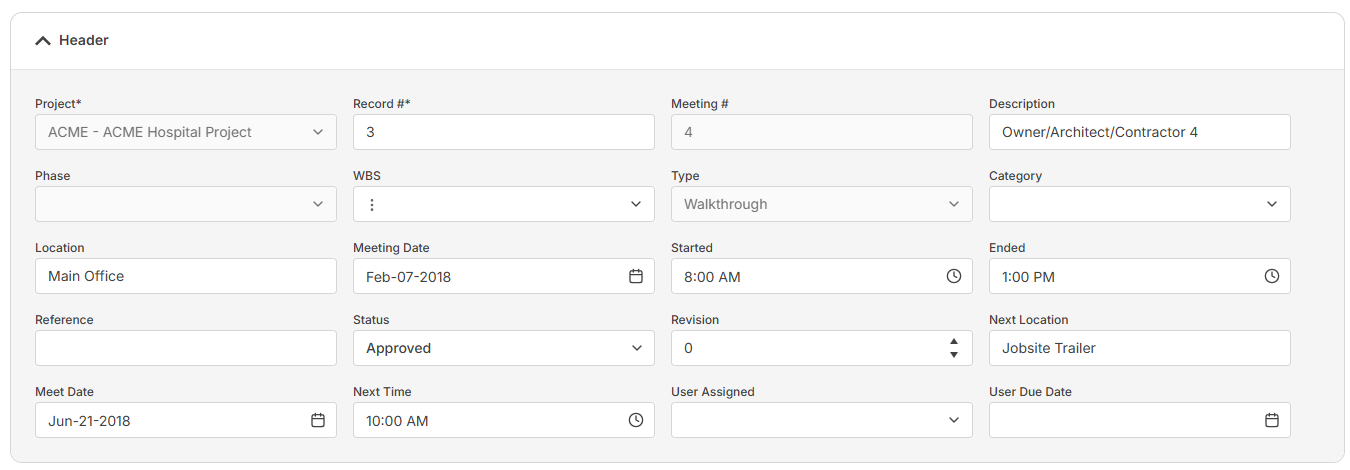
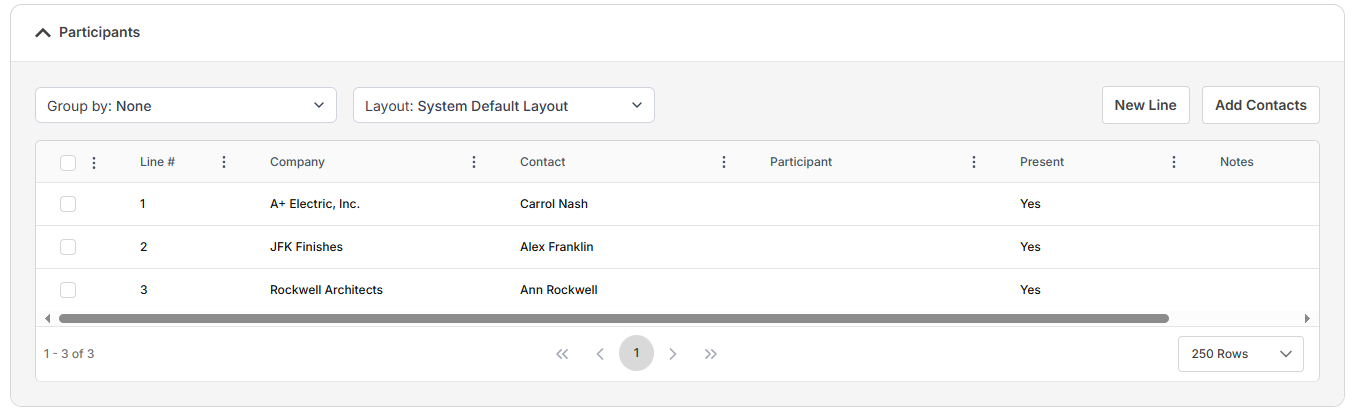
Use Meeting Minutes records to record the discussion, assignment, and completion of meeting items for your projects. Meeting Minutes are treated as a series of records, defined by the combination of Project and Type, and numbered accordingly.
Create Next Button - This button is only visible if the record has a Status of "Approved" and is the highest Meeting # in the sequence. When you click this button a new record is created with much of the header data from the current record copied into the new one. The Meeting # is incremented by one. In addition, lines in the Details Table that are not marked Done are copied to the new record.
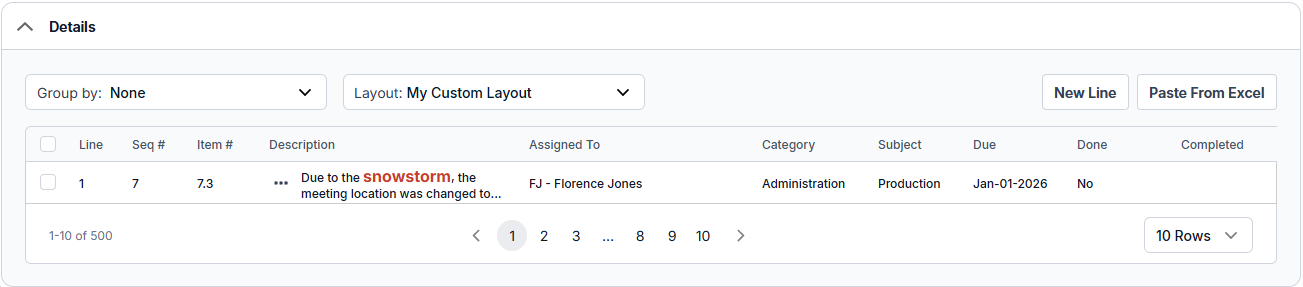
The fields shown in this table vary depending on your security settings and the selected layout and may include:
Item # Field - Read only. This number, assigned by PMWEB, is composed of two segments. The first segment is the Meeting # in the header of the record. The second segment is the Seq # from the line.