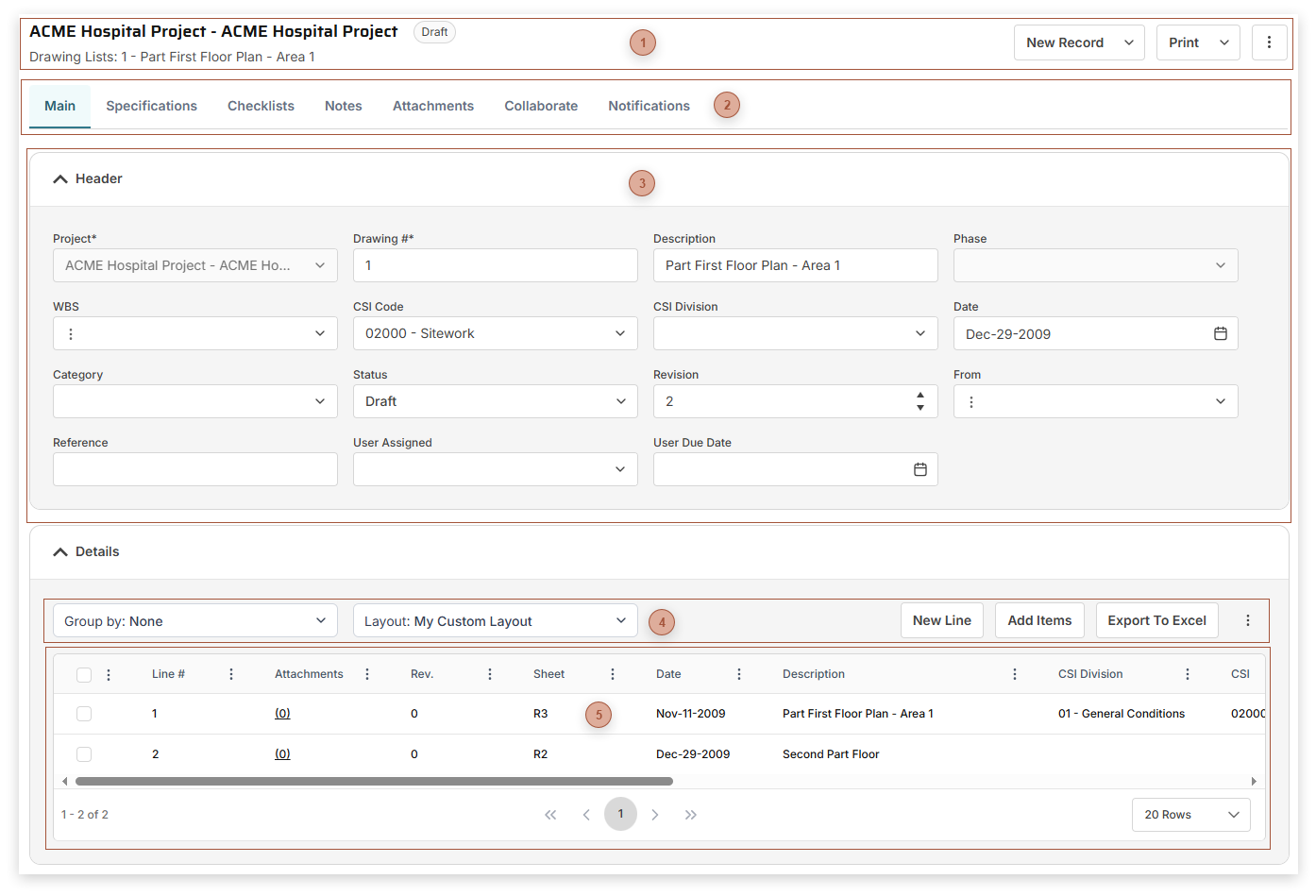
Use Drawing List records to track each drawing and its revisions for your projects. Drawing Lists can be imported from the
Manager Page.
 Page Title Section |
|
 Record Tabs |
|
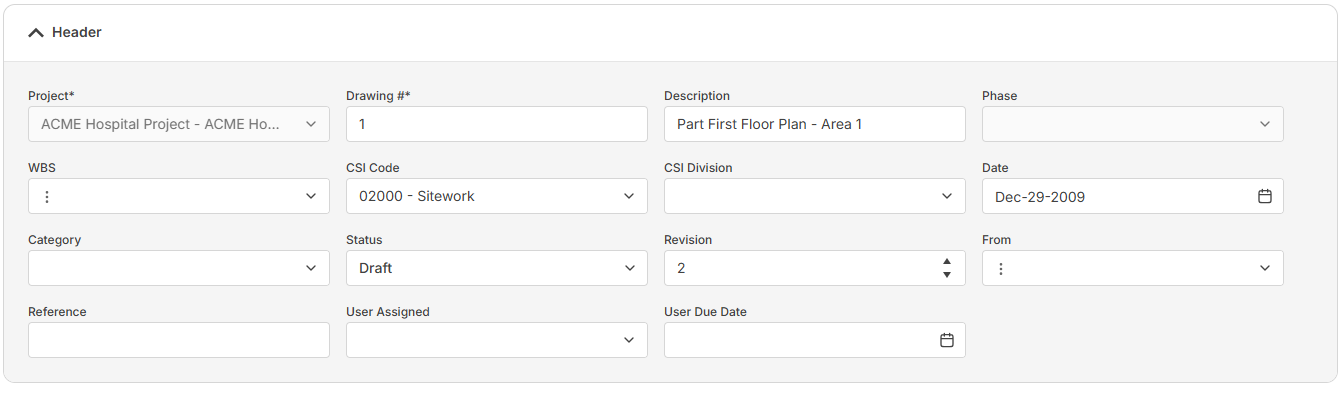
 Header Fields Section
The fields that appear in this section depend on your security settings and may include:
-
-
Drawing # Field - Required. An alphanumeric ID for the record
-
-
-
-
-
-
-
-
-
-
-
-
|
|
 Details Table Toolbar |
|
 Details Section
The fields that show here depend on your security settings and the layout selected and may include:
-
-
-
-
Sheet Field - Enter a whole number here.
-
-
-
-
-
-
-
-
% Field - Enter the percent complete of the drawing here
-
-
Set # Field - Read only. If the record was created from a Drawing Sets record, the ID of the Drawings Sets record appears here.
-
-
-
Cost Impact Field - Enter the cost impact of the drawing here
|
|