To properly display this page you need a browser with JavaScript support.
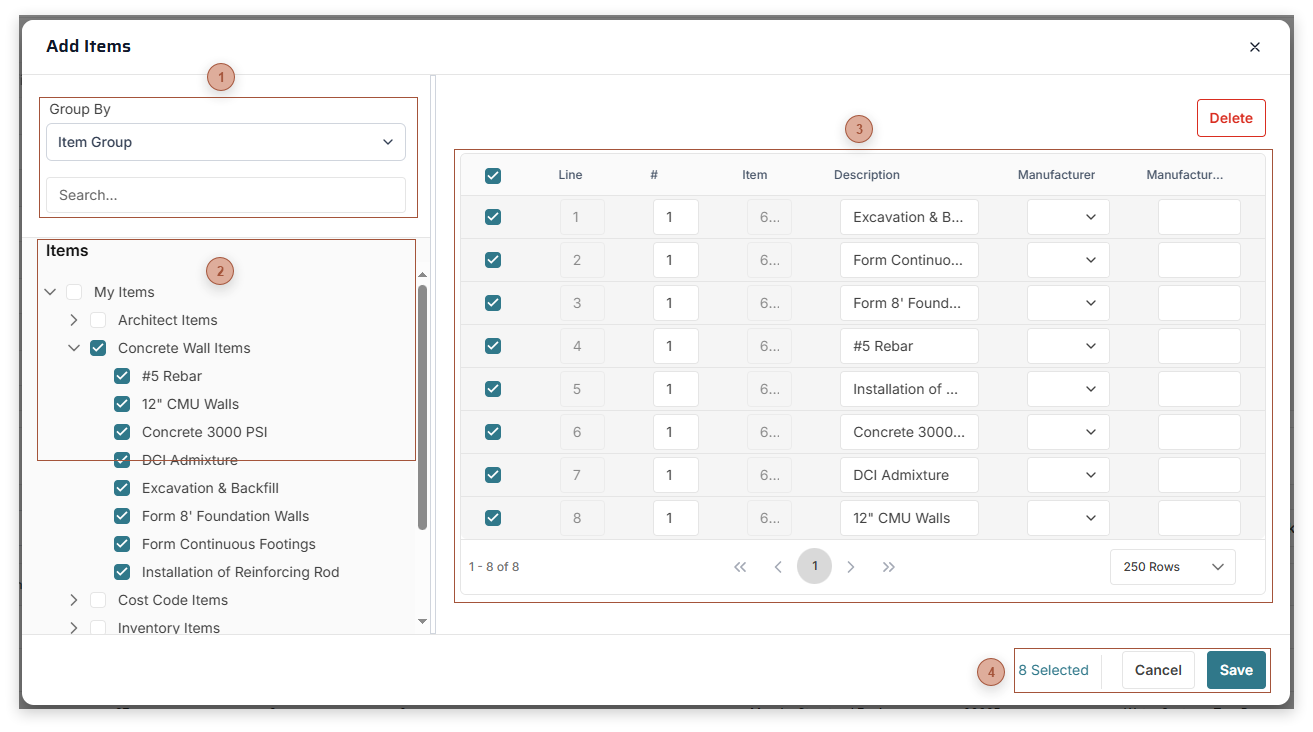
Use this dialog to browse for items in the catalog, select them to add them to the table, and save them to a record.
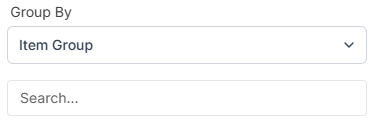
Group By and Search Bar Use these controls to configure what shows in the tree
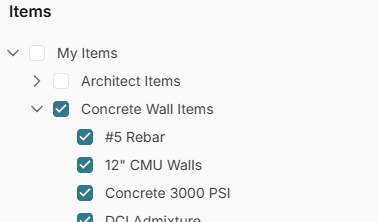
Items Tree This tree shows all of the items you have access to
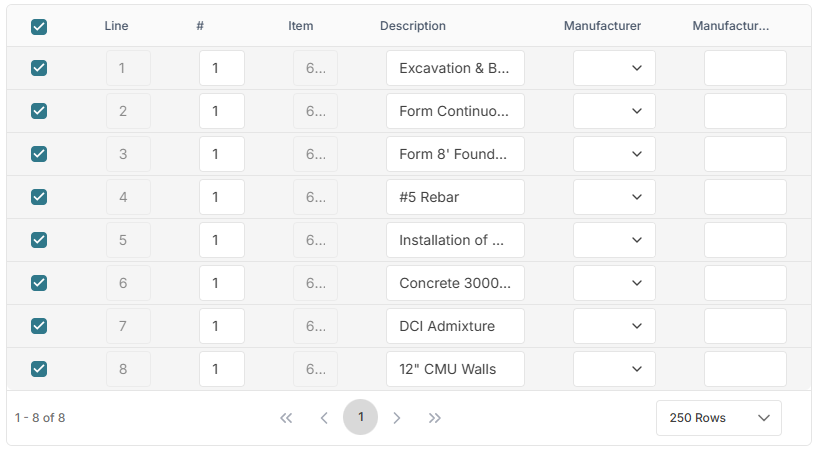
Dialog Table Add items to this table by selecting them in the tree. You can then edit some of their values before clicking the Save button and saving them to the record.
Dialog Toolbar These buttons change depending on the selections you have made. Clicking Save closes the dialog and saves the lines in the table to the record.