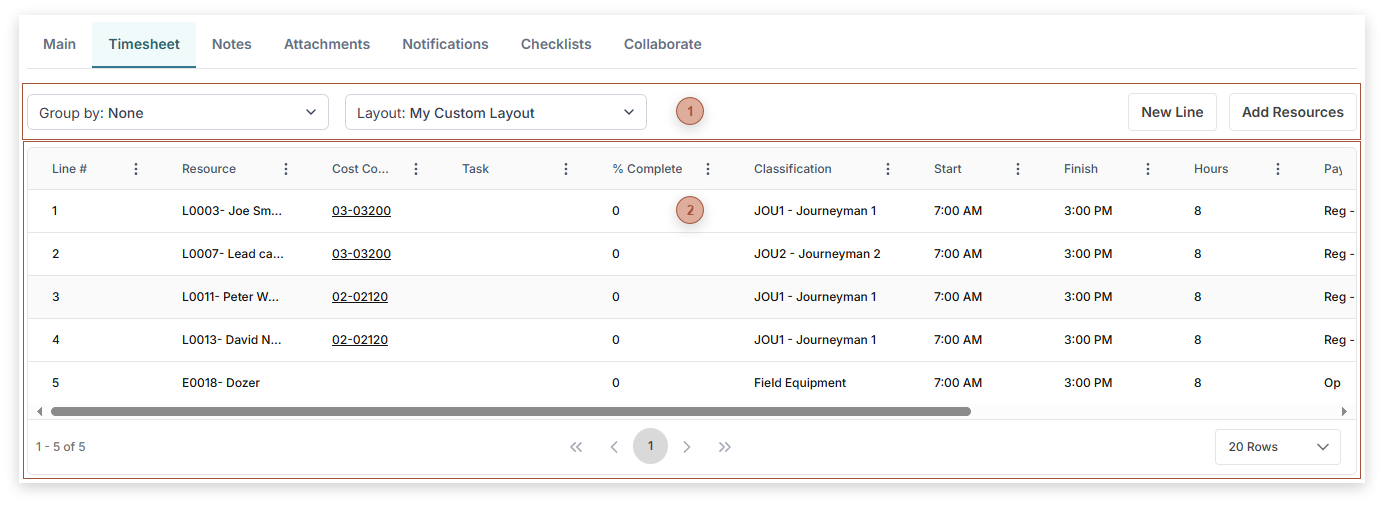
Timesheet Tab
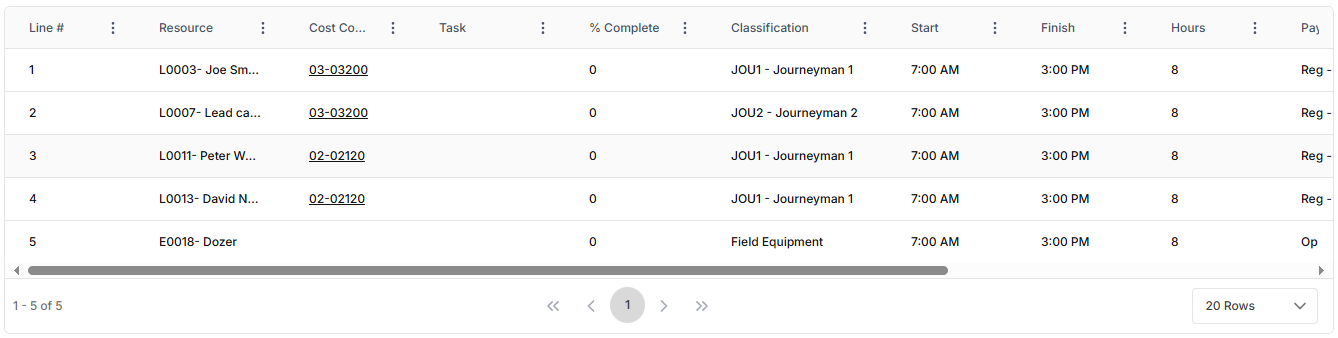
Use this tab to enter timesheet details for labor or equipment resources related to the Daily Report. If you include a Cost Code, Classification, and Pay Type an amount will be posted to the Cost Ledger of the current project (see Cost Ledgers) in the Actual Costs - Non-Commitment Worksheet Column. If the Post to Non-commitment Costs Checkbox in the Header Toolbar is checked, a second Cost Ledger line is added under that Worksheet Column. The amount posted is determined by the combination of Classification and Pay Type (see Classification Matrix) multiplied by the number of Hours.