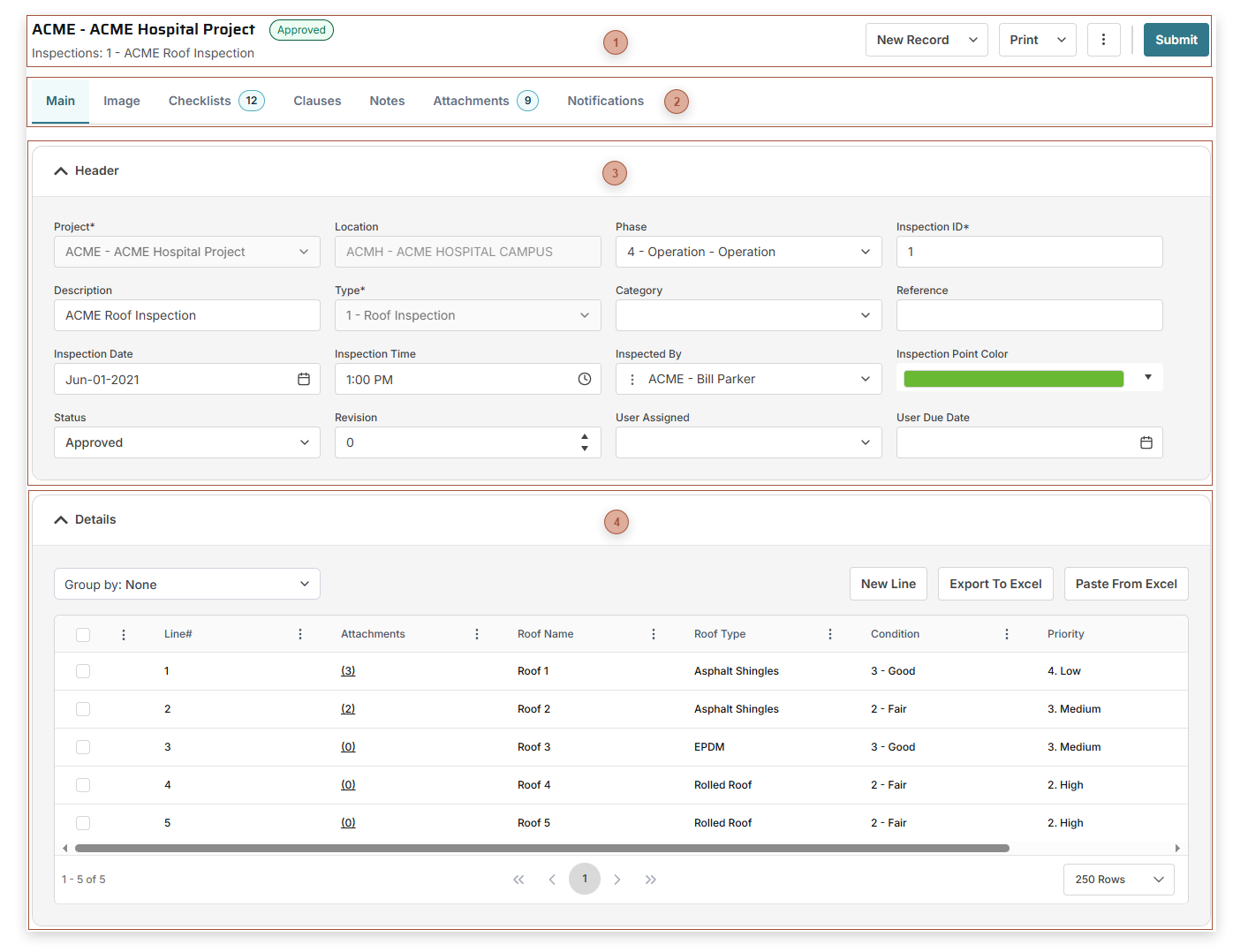
With PMWEB Inspections you can assess the state of anything you want, using criteria that you define yourself. Interactive inspection points can be placed on images if you wish and you can use an inspection to automatically generate Work Requests, Work Orders, Initiatives, and Projects. Before creating Inspection records you must first create at least one record in Inspection Types.
More / Generate - Select this to generate a linked Work Request, Work Order, Initiative, or Project
Update Assets Button - Clicking this opens a confirmation dialog. If you click OK in the dialog, Condition and Condition Date data from each asset in the Details table will be sent to the linked asset record in the Assets module. Note: The Update Assets button only appears when the record is approved and there is one or more linked assets in the Details table.
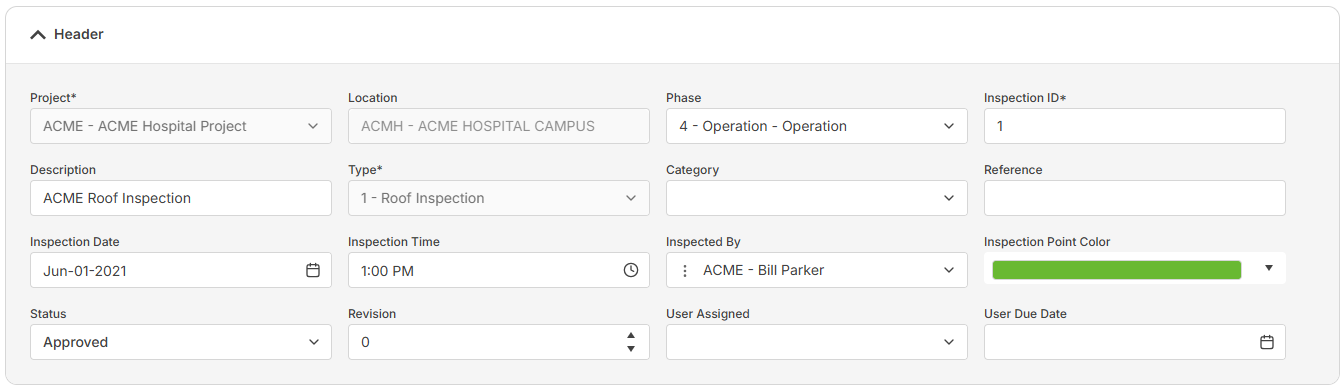
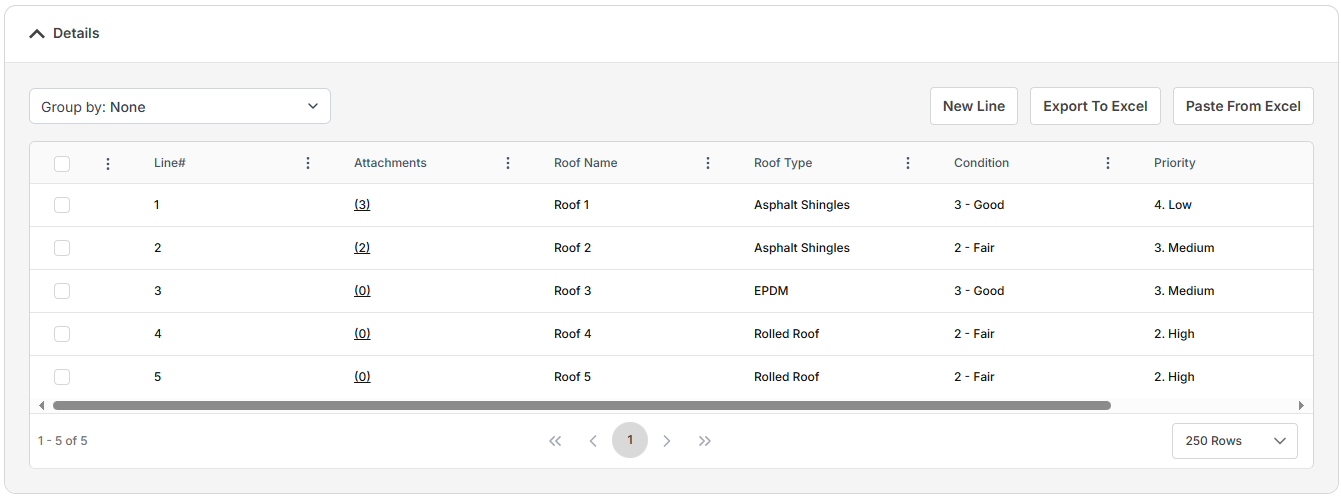
Type Field - Required. The types here are defined in Inspection Types. The selection here determines what data fields appear in the Details Table. If lines exist in the Details Table, this field is read only.