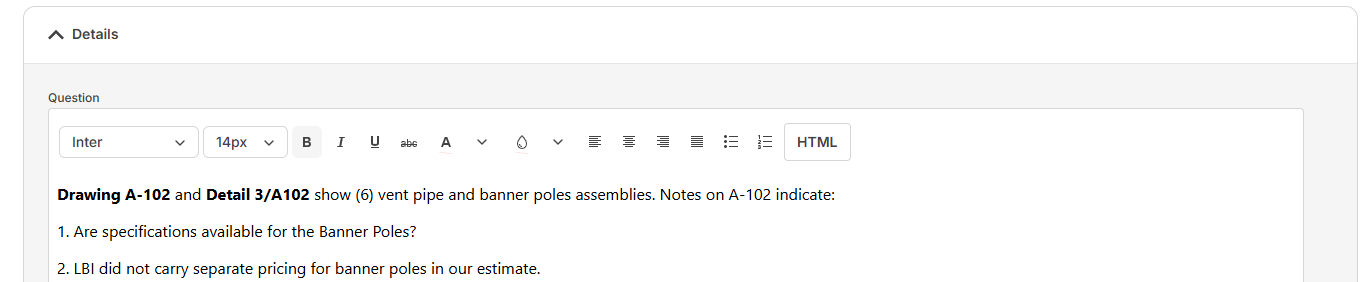
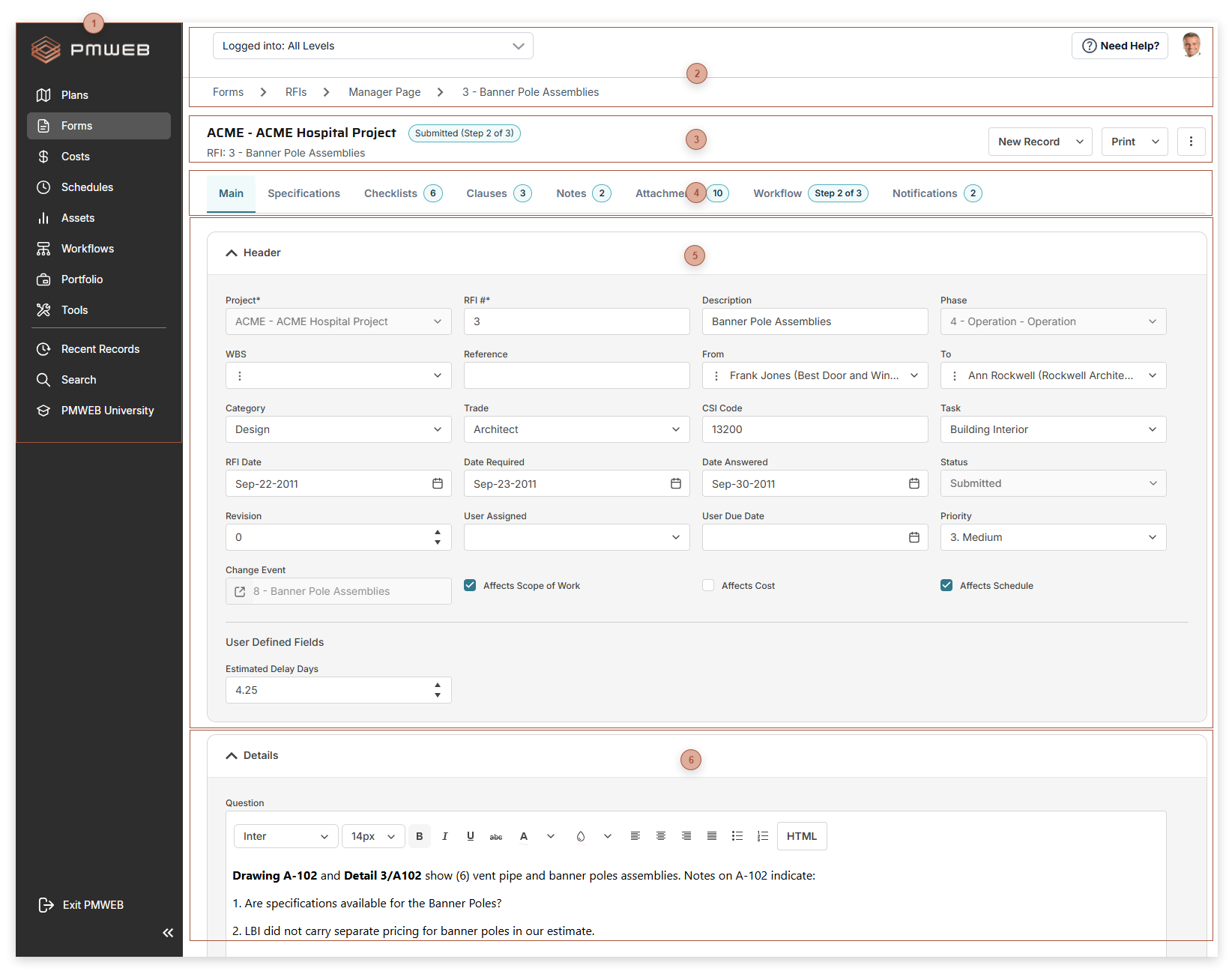
PMWEB Page Basics
These features are available on most pages in the PMWEB platform.







 Header Fields Section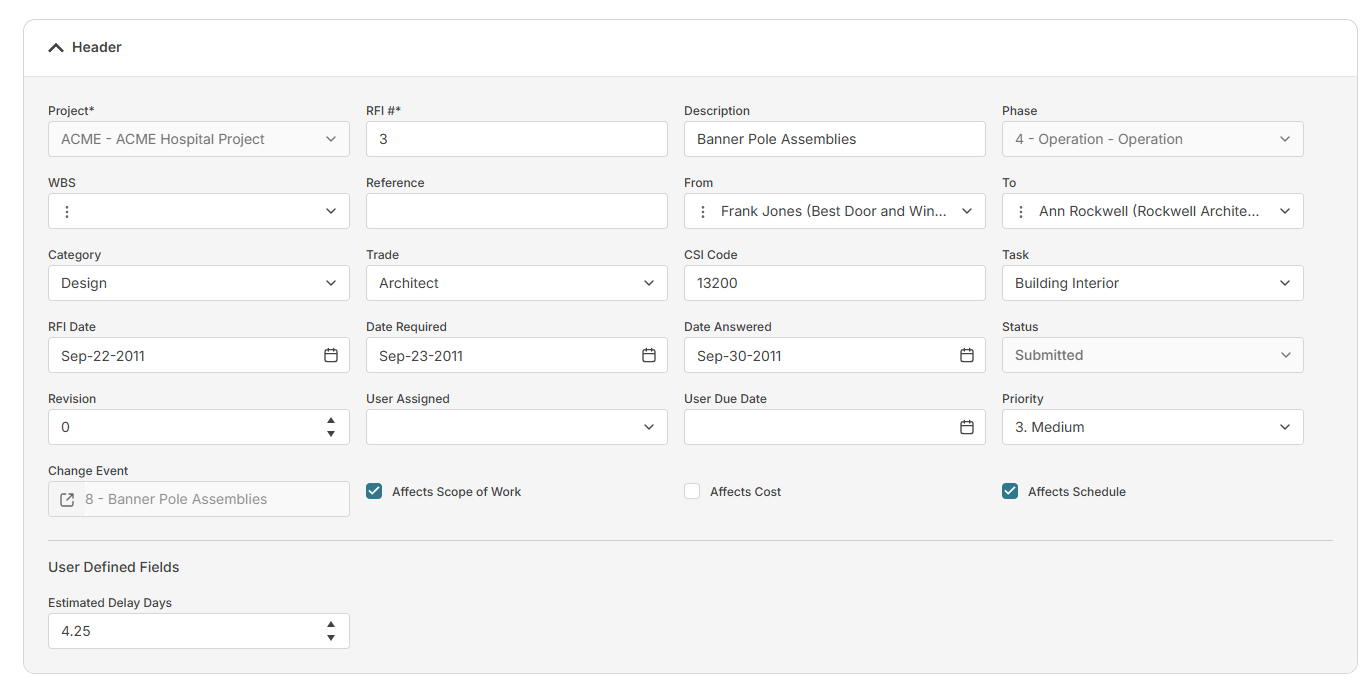 This section can be collapsed or expanded by clicking the section title bar. The fields shown in the header section vary by record type and your security permissions and are read from left to right and top to bottom. The number of columns automatically adapts to the screen size. If there are Specification fields set to show in the header, they appear in their own sub-section, called User Defined Fields.
|