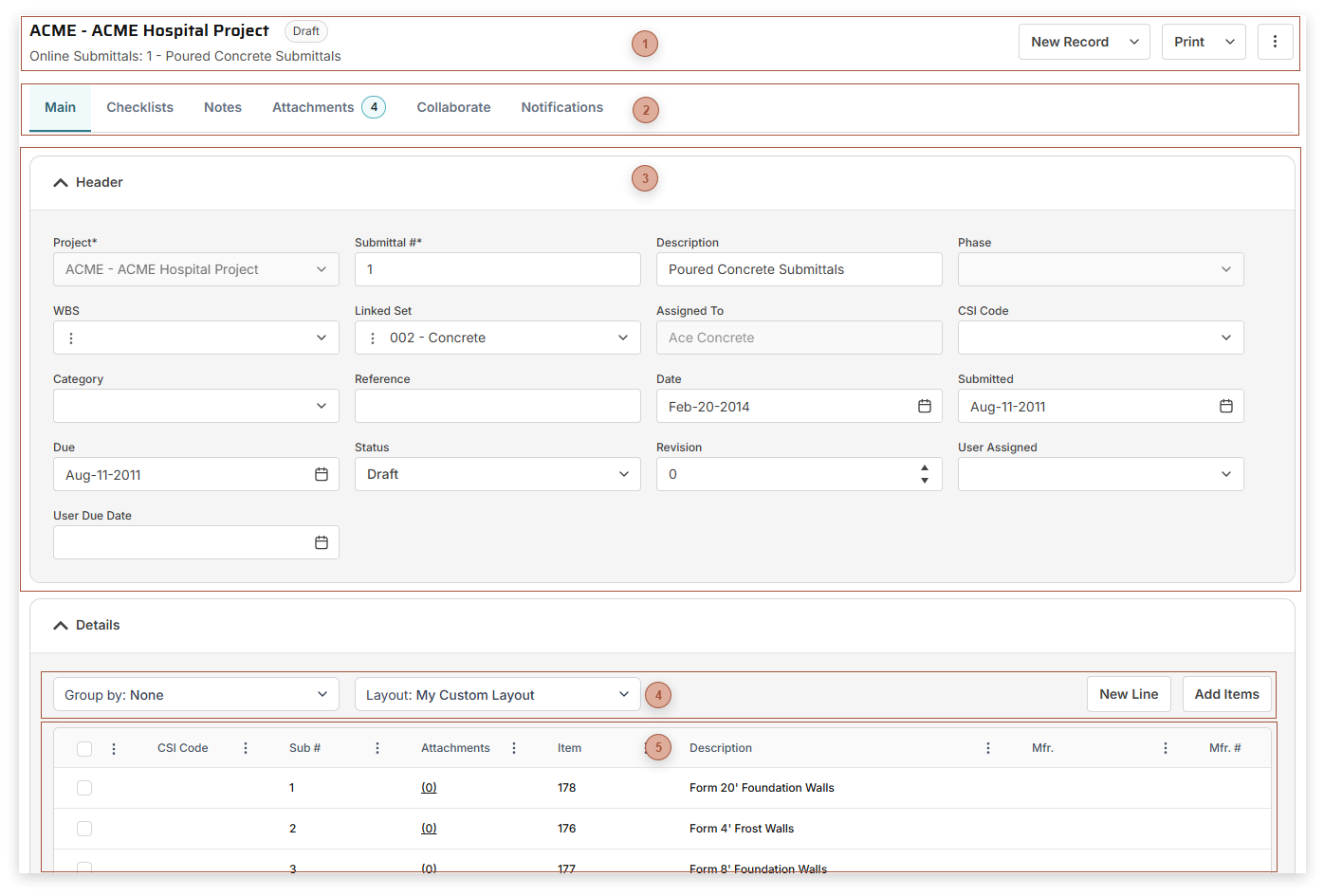
Use Online Submittals to create and monitor submittals for your project, typically ones that are not predefined as part of advanced submittal lists. If you wish, use the Send button in the Online Submittal to automatically create new lines in existing
Submittal Sets records. Page Title Section |
 Record Tabs |
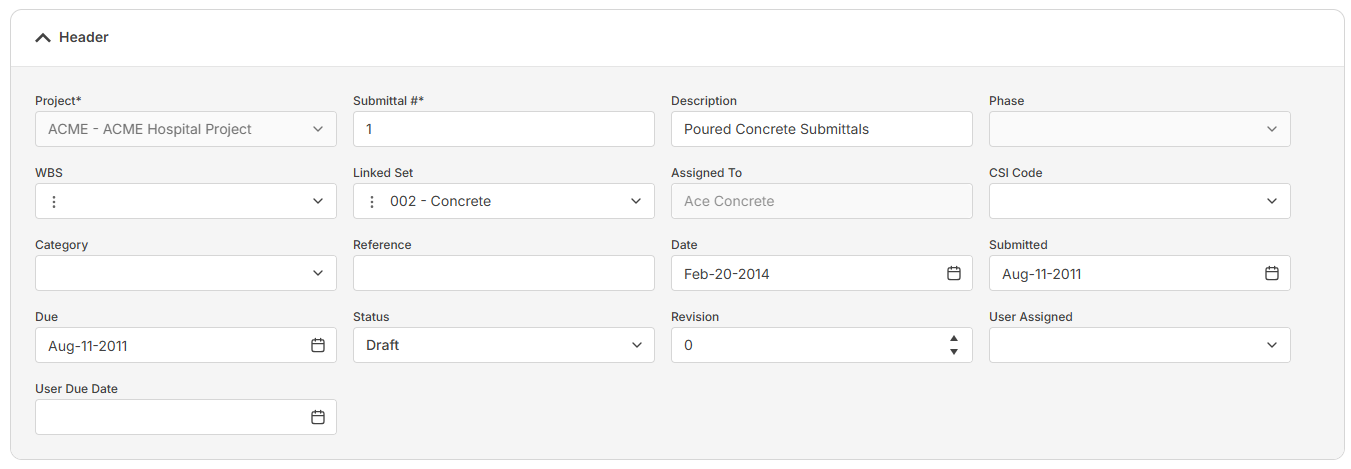
 Header Fields Section
The fields that show in this table depend on your security settings and may include:
-
-
Submittal # Field - Required. An alphanumeric ID for the record.
-
-
-
-
Linked Set Field - You can create copies of Online Submittal lines in Submittal Sets by selecting a Submittal Set in this field and then clicking the Send button.
-
Assigned To Field - Read only. If the Send button has been used this field will display the Assigned To field from the linked Submittal Set.
-
-
-
-
-
-
-
-
|
 Table Toolbar |
 Details TableThe fields that show in this table depend on your security settings and the layout selected and may include:
-
Sub # Field - Enter a number for the submittal line
-
-
-
-
-
-
-
-
Rev. - Enter the revision number of the submittal line here
-
-
-
|