Interface
This page is used to configure basic features of the PMWEB interface: the color scheme and the default logo.
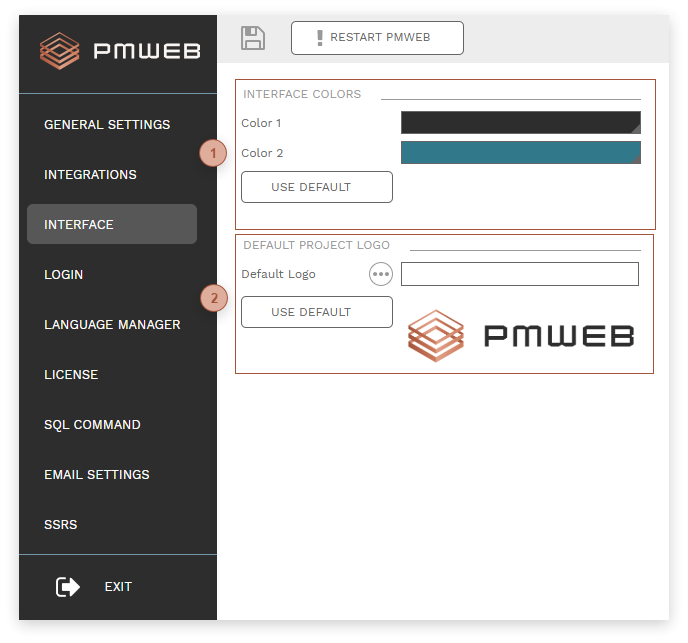
 INTERFACE COLORS SECTION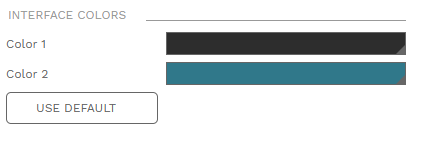 Three colors in the PMWEB interface can be selected by system administrators. These colors appear throughout the application, most notably in:
After selecting colors, click the Save button to see a preview of the color scheme in the PMWEB Admin control panel. At any time, click the Use Default button to apply the standard system color scheme.
|