
Visual Workflow Section
Use this interactive chart to view the business process design and to access dialogs in which you can view and edit the detailed settings for every step.
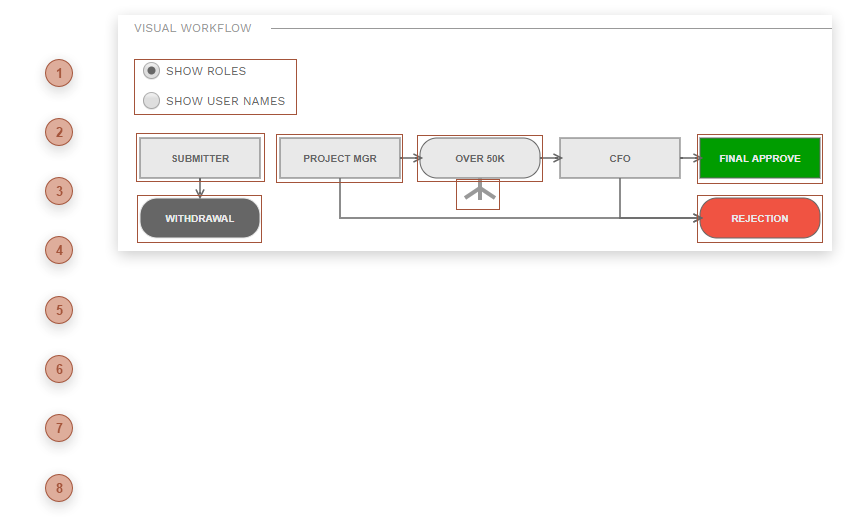

 SUBMITTER BUTTON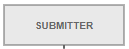 Click this element to open the Submit version of the Workflow Action Dialog.
|
 WITHDRAWAL BUTTON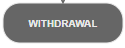 Click this element to open the Withdraw version of the Workflow Action Dialog.
|
 ROLE STEP BUTTON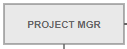 Rectangles represent role steps. Click the rectangle to open the Define Role Step Dialog.
|
 BRANCH RULE BUTTON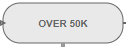 Lozenges represent branch rule steps. Click the lozenge to open the Define Branch Rule Dialog.
|


 FINAL APPROVE BUTTON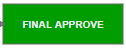 Click this element to open the Final Approve version of the Workflow Action Dialog.
|
 REJECTION BUTTON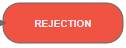 Click this element to open the Reject version of the Workflow Action Dialog.
|