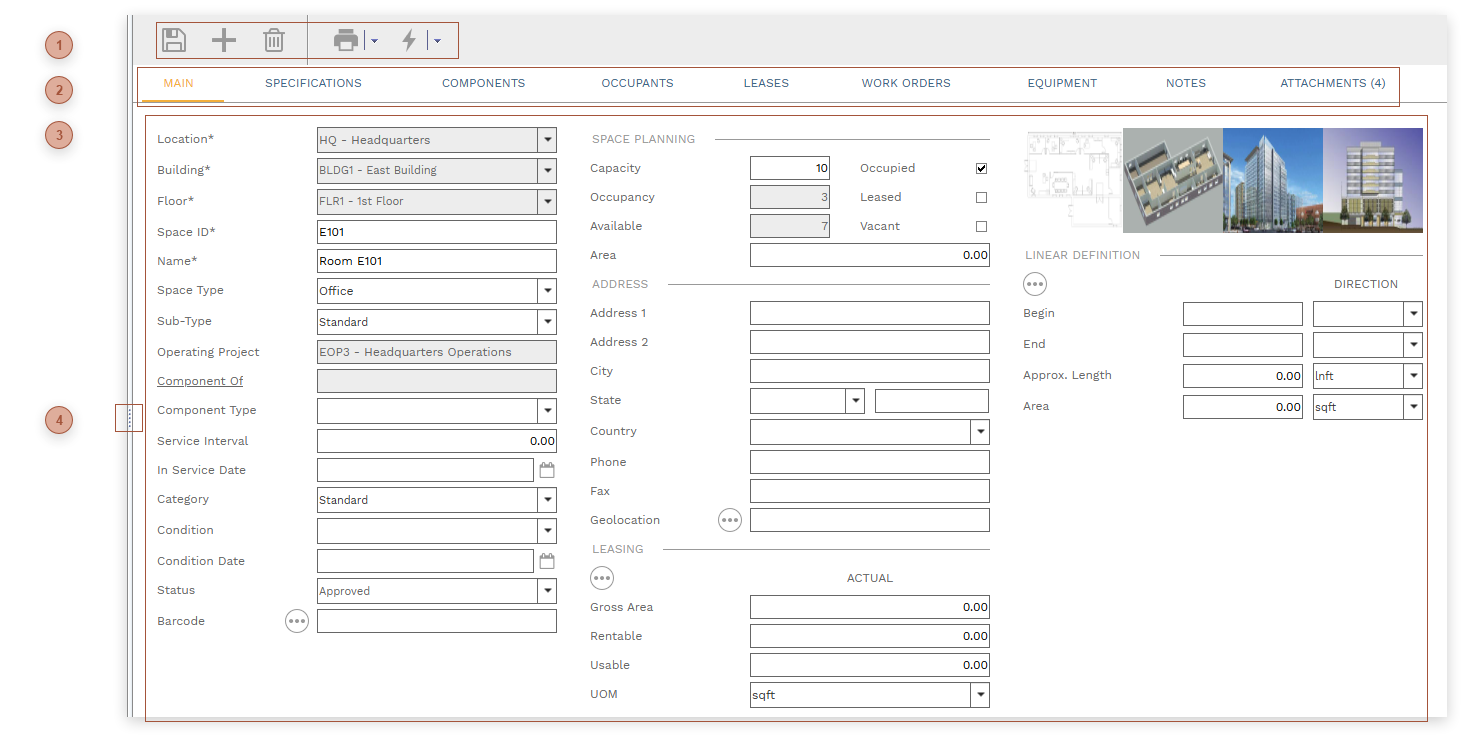
HEADER TOOLBAR |
 TABS
-
Occupants Tab - Use this tab to move occupants in and out of the space:
Type Field - System list. Select "Company", "Department", or "Contact".
Occupant Field - Required. Select an occupant from the list. The type of occupants shown in the list is filtered by the selection in the Type field.
# of Occupants Field - Enter the number of occupants. This should be in the same unit of measure used to enter the Capacity in the header.
Scheduled Move-in, Move-out and Actual Move-in, Move-out Fields - Date FieldWork Order Field - Select a work order to link to the occupancy
Calendar Checkbox - For future use
Calendar Date Field - For future use
-
Leases Tab - This tab lists all of the Leases where this space is marked as the primary asset in the Linked Assets Section. Left click on any of the records shown in this tab to navigate to it.
-
Work Orders Tab - This tab lists all of the Work Orders where this space is marked as the primary asset in the Linked Assets Section. Left click on any of the records shown in this tab to navigate to it.
-
Equipment Tab - This tab lists all of the Equipment where this space is selected in the Current Location field. Left click any of the records shown in this tab to navigate to it.
-
|
 HEADER
-
-
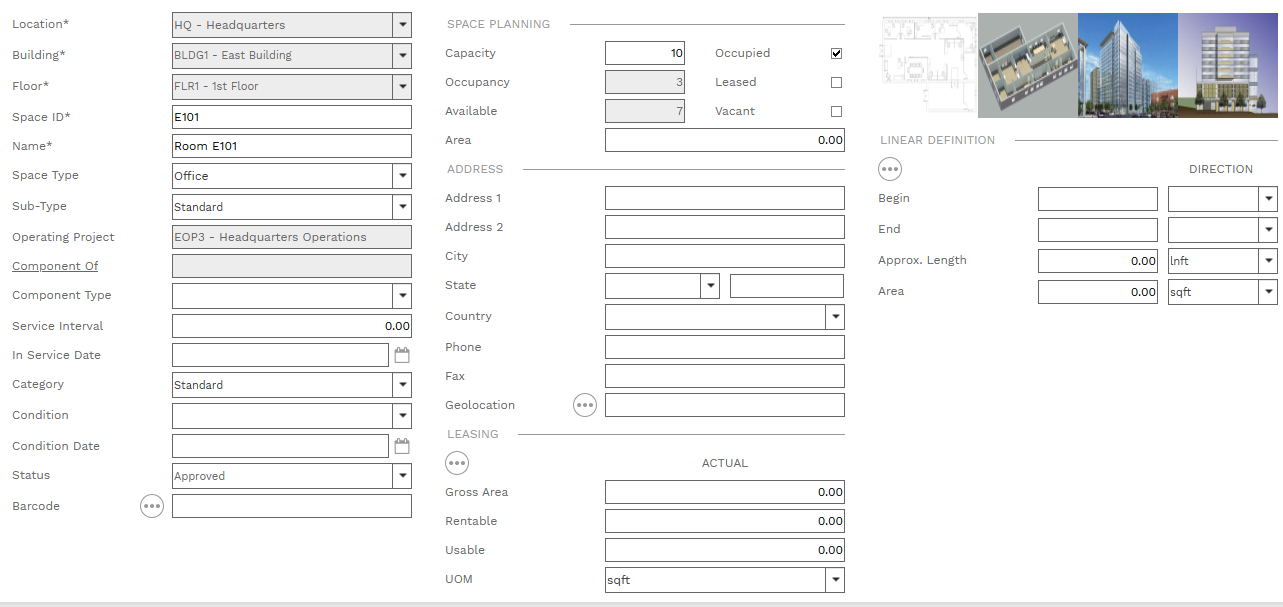
Building Field - Required. Select a building from the lists. The list is filtered by the selection in the Location field.
-
Floor Field - Required. Select a floor from the lists. The list is filtered by the selection in the Building field.
-
Space ID Field - Required. An alphanumeric ID for the record.
-
-
-
-
Operating Project Field - Read only. The Operating Project selected in the Location.
-
-
-
Service Interval Field - If this asset is added to a Components Tab the entry here is used as the default service interval (in the parent record's units of measure).
-
-
-
-
-
-
-
-
-
-
-
|
 ASSET EXPLORER HANDLE |
|