Show/Hide Tabs
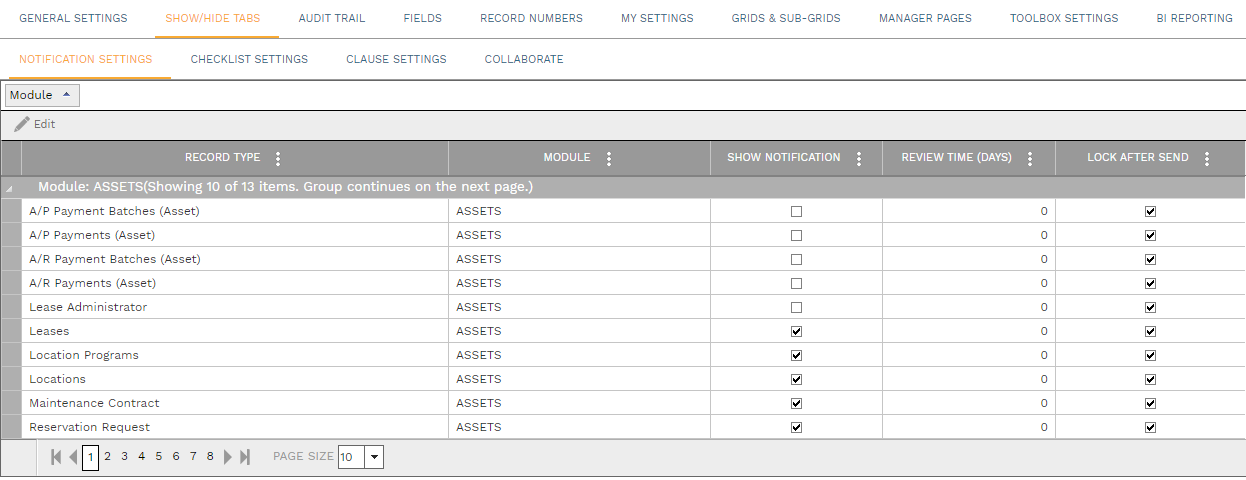
Use this tab to turn on (show) or turn off (hide) various tabs for each record type where they are available. Check the Show ____ checkbox to display that tab in the associated record type. The Notification Settings tab includes these additional fields:
-
Review Time (days) - The number entered here is used to calculate the default Due Date in the Notifications Dialog for the record type
-
Lock After Send - If checked, notification records for the selected record type are locked for editing after they are sent