Shared Assets
Drag Reservation Requests from the table at the bottom of the page and drop them in the scheduler section to assign them to assets.
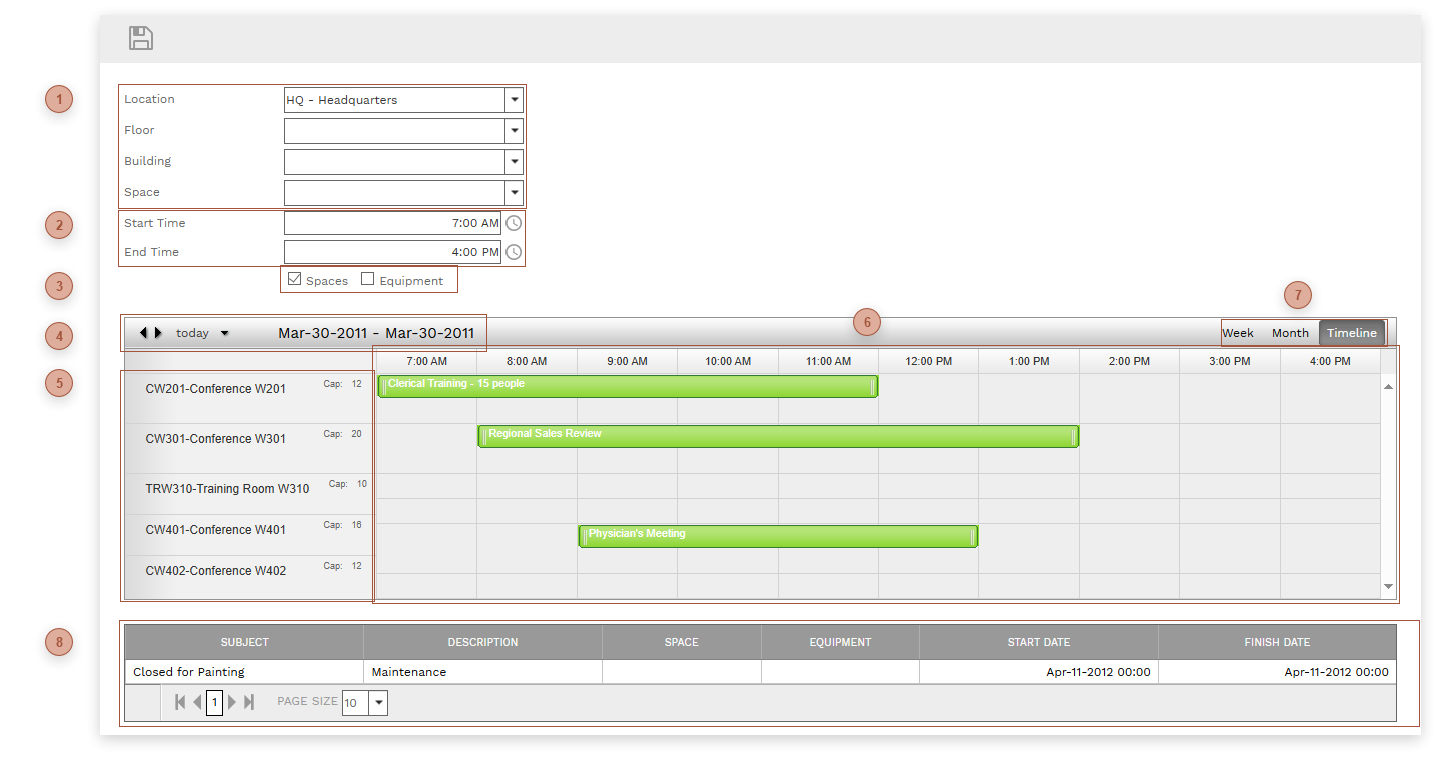

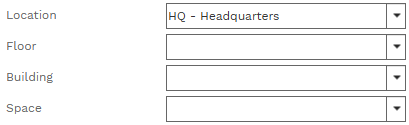







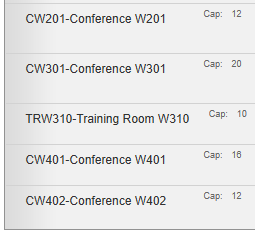
 SCHEDULER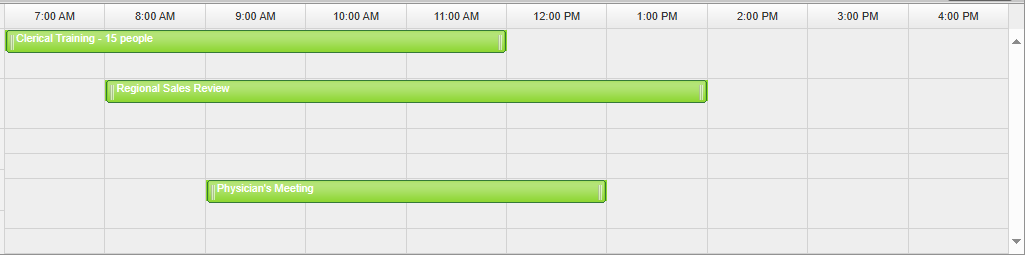 Drag lines from the Reservation Requests table and drop them here to assign them to assets. You can click an assignment bar and drag and drop right or left and up or down in the scheduler. Click on the resize handle on the right or left edge of the assignment bar and drag drag to change the duration of the assignment. If you hover over the assignment bar the delete X appears in the right corner of the bar. Clicking the delete X removes the bar from the scheduler and returns it as a line in the Reservation Requests table. Double clicking an assignment bar opens the record in the Reservation Requests page.
|


 RESERVATION REQUESTS TABLE This table shows Reservation Requests that have not yet been assigned. Drag lines from this table and drop them in the scheduler to assign them.
|