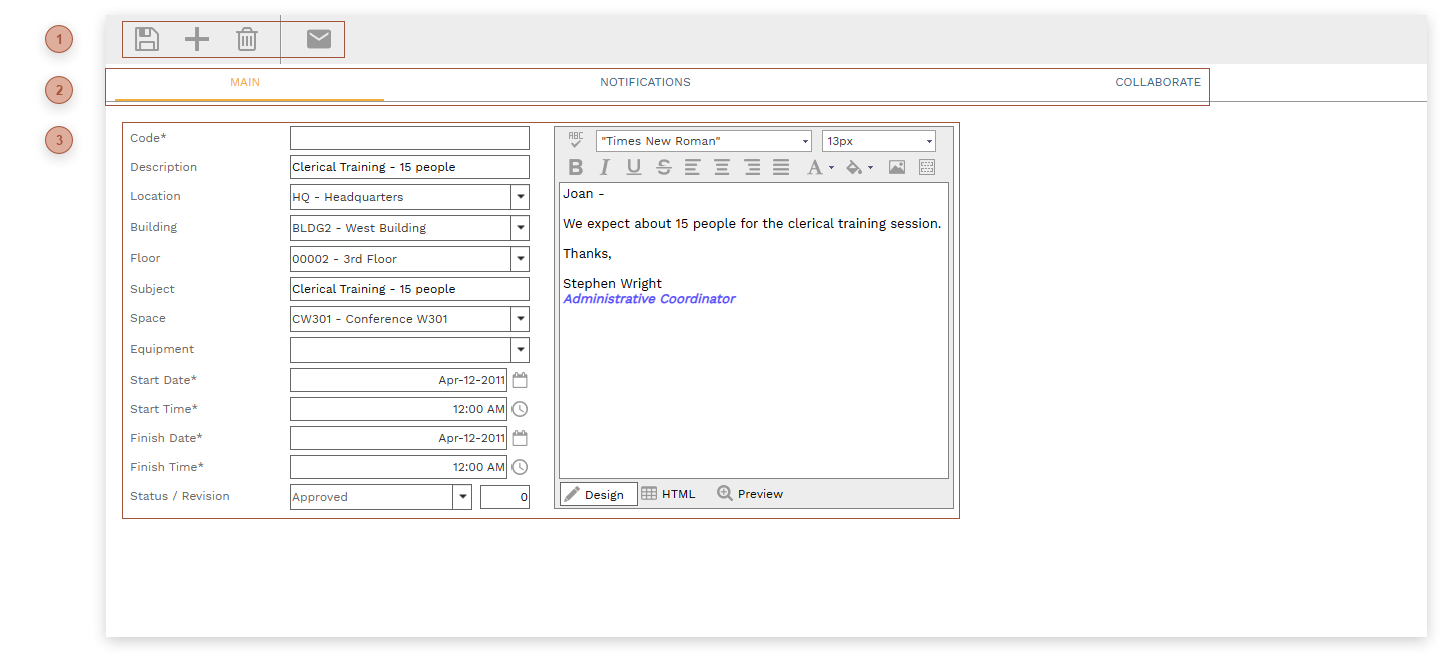
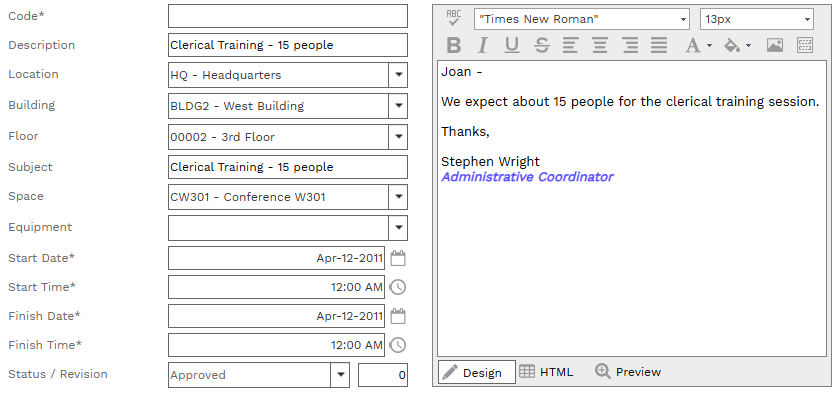
Reservation Requests This record type works in conjunction with Shared Assets. Here users can request to use shared assets - locations, buildings, floors, spaces, and equipment - for a time period. Requests appear in the bottom table of the Shared Assets page. HEADER TOOLBAR Header Toolbar Top RECORD TABS Record Tabs Top HEADER Code Field - Required. An alphanumeric ID for the record. Description Field Location Field - Location (Asset) Field Building Field - Select a building from the dropdown list. The list is filtered by the selection in the Location field. Floor Field - Select a floor from the dropdown list. The list is filtered by the selection in the Building field. Subject Field - A text field Space Field - Select a space from the dropdown list. The list is filtered by the selection in the Floor field. Equipment Field - Select an equipment record from the dropdown list. Start Date Field - Required. Date Field Start Time Field - Required. Time Field Finish Date Field - Required. Date Field Finish Time Field - Required. Time Field Status / Revision Fields Notes Field - Notes (RTF) Field Top