Permissions Tab
Use this tab to set folder permissions for User Groups or Folder Groups and individual users.
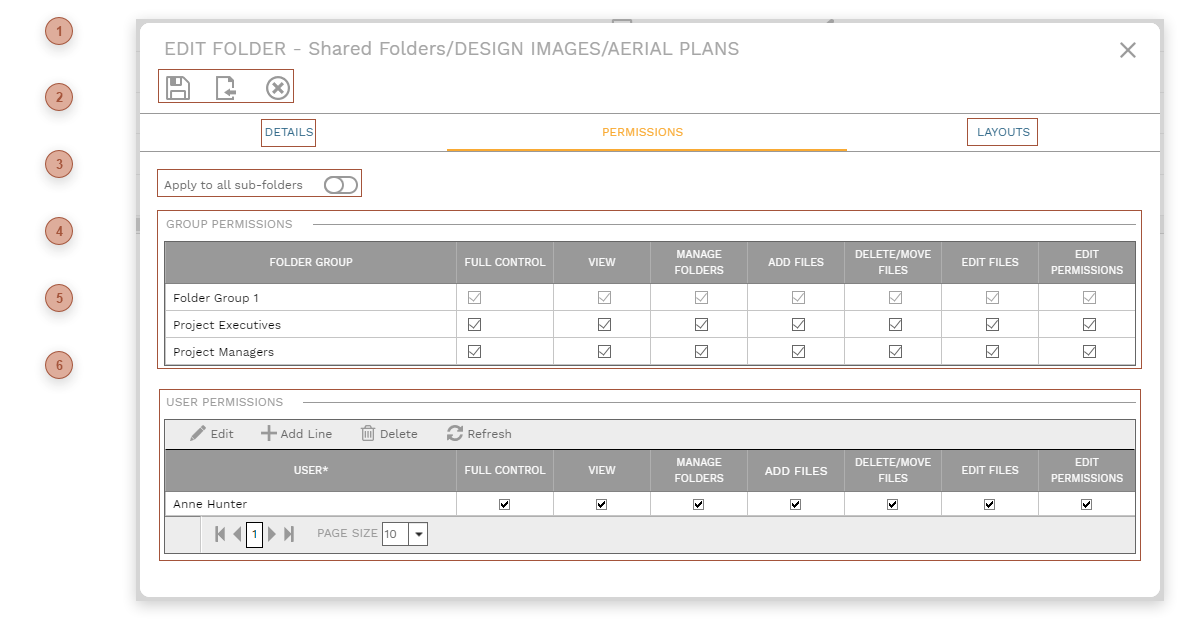





 GROUP PERMISSIONS TABLE This table is used to assign permissions to groups. By default, those are User Groups, as defined in Portfolio/Administer/Security. You can elect to manage permissions by Folder Groups instead of by User Groups if you wish. Folder Groups are collections of User Groups. To enable managing permissions by Folder Groups, enable the setting in Portfolio/Settings/General Settings System Subtab. If Folder Groups are enabled, the header of the first column in this table changes from "Security Group" to "Folder Group". To assign User Groups to Folder Groups, click the Settings button in the root folder of Document Manager.
|

