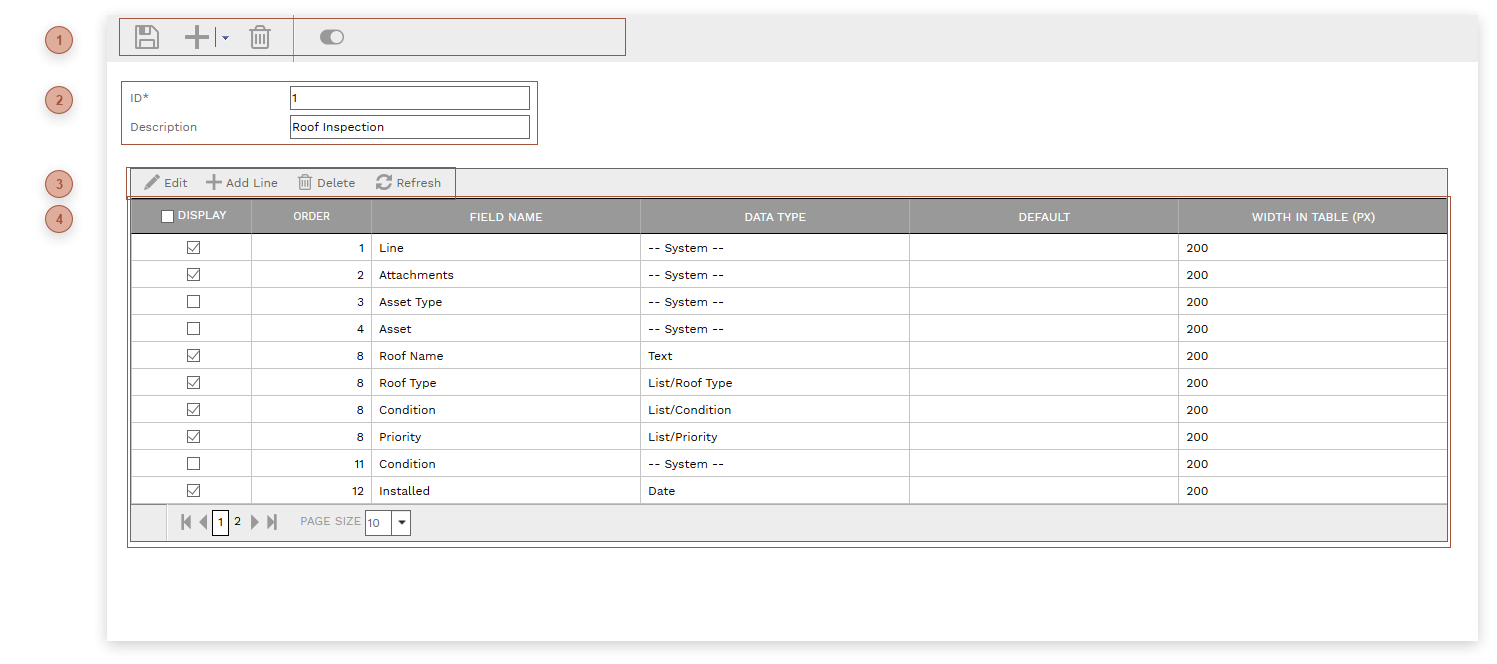
Use this page to define the list of inspection types, for use in Inspections. You cannot create an Inspection record until you have defined at least one Inspection Type.
 HEADER TOOLBAR |
 HEADER FIELDS-
ID Field - Required. An alphanumeric ID for the record. -
|
 DETAILS TABLE TOOLBAR |
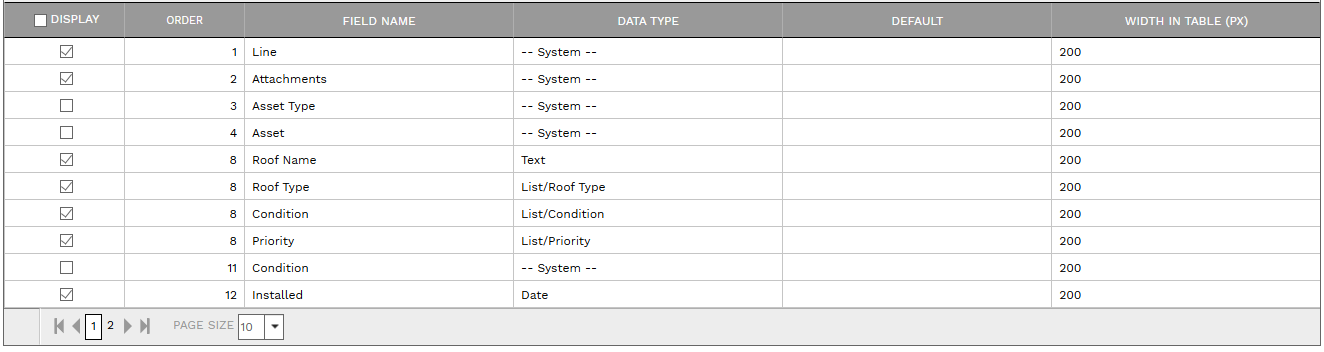
 DETAILS TABLE-
Display Field - If this field is checked, the field is shown when creating new lines in Inspections -
Order Field - The order in which the field appears in the Inspections record. This field cannot be directly edited. To edit it, drag the line up or down in the table.
-
Field Name Field - The text label used for the field
-
-
Default Field - A default value for the field when adding new lines in Inspections
-
Width Field - Enter the width in pixels for the field in the Details table in Inspections
|
|