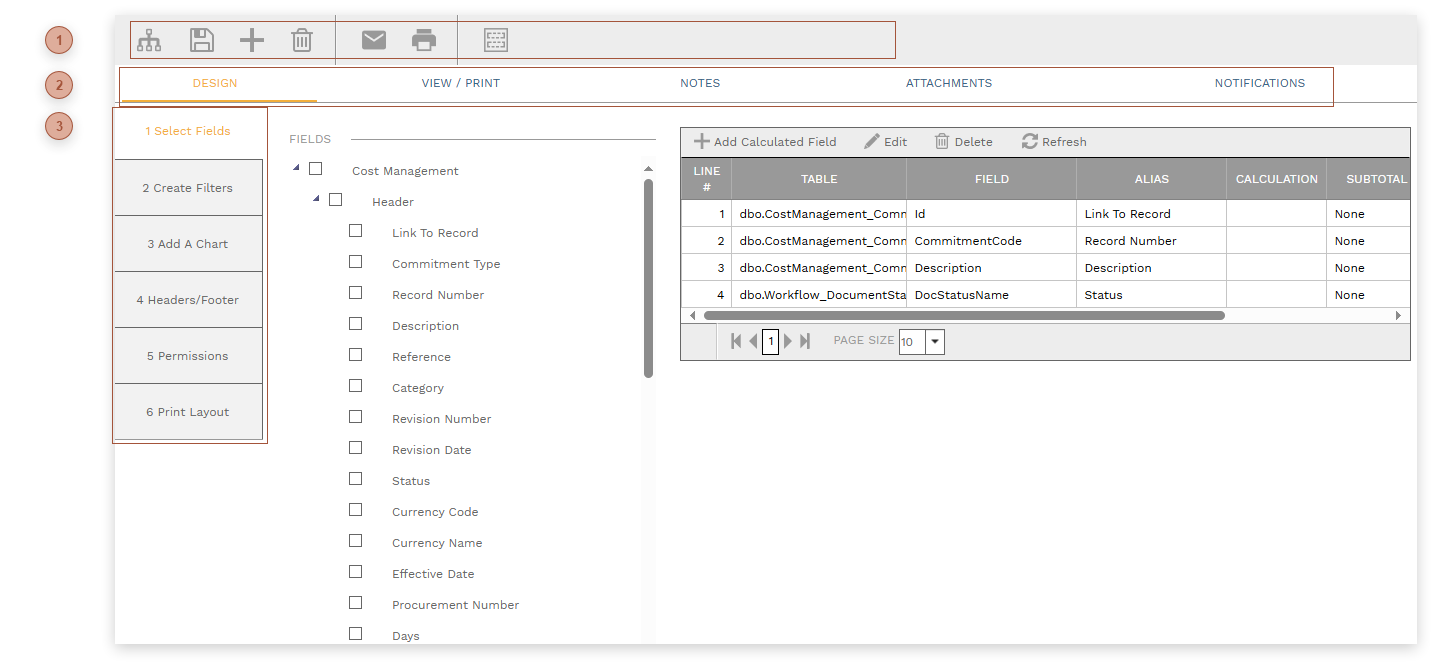
A report in add or edit mode looks like this:
 HEADER TOOLBAR
-
Export SQL Button - Click this button to create an external file of the SQL query behind the report.
|
 RECORD TABS
-
View / Print Tab - Use this tab to preview query results, change column widths, and grouping.
|
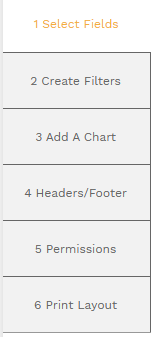
 SUB-TABSThe Design tab contains these sub-tabs:
|