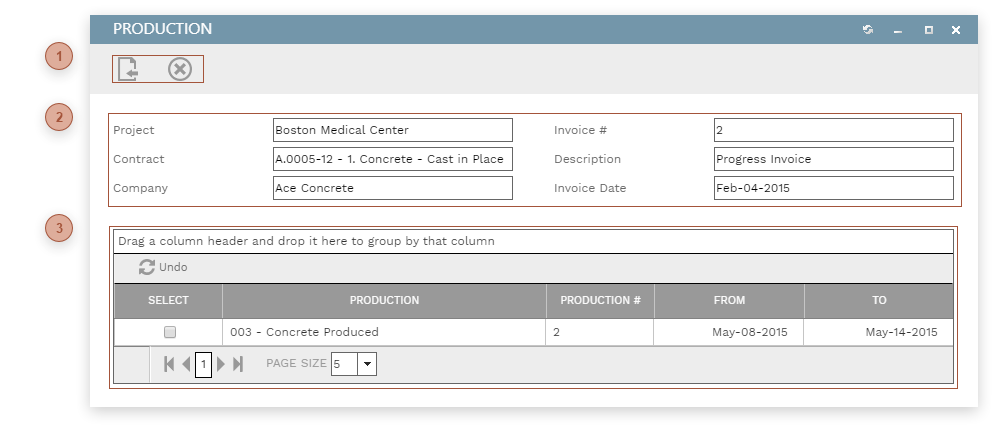
This dialog is used to update the Current Quantity field on lines in an invoice to match the Current Quantity field in
Production records. To use the dialog:-
Locate a production record in the table and place a check in the Select field
-
Click the Save & Exit Button
 DIALOG TOOLBAR |
 RECORD FIELDSRead only. This section displays information for the invoice from which the dialog was opened.
|
 PRODUCTION TABLEThis table displays the production records that are eligible to be linked to the record. To be eligible a production record must not have a status of "Rejected" or "Withdrawn" and must not yet be linked to an invoice.
|