Pick Inventory Dialog
Use this dialog to browse for inventory items, drag and drop them on the table, and save them to a record.
See Responsive Dialog Formats for information about how this dialog adapts itself to varying screen sizes.
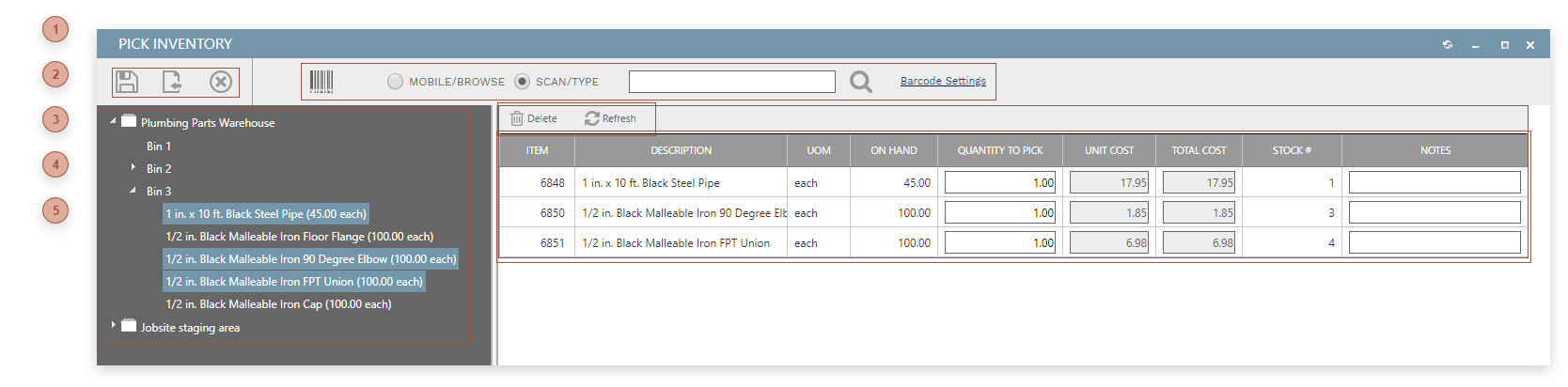




 INVENTORY TREE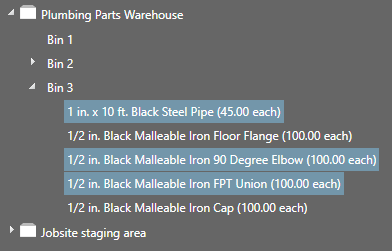 A tree view of all inventory items, grouped by Inventory Locations and sub-locations
|