Use the Notes Tab to store rich text comments related to records.
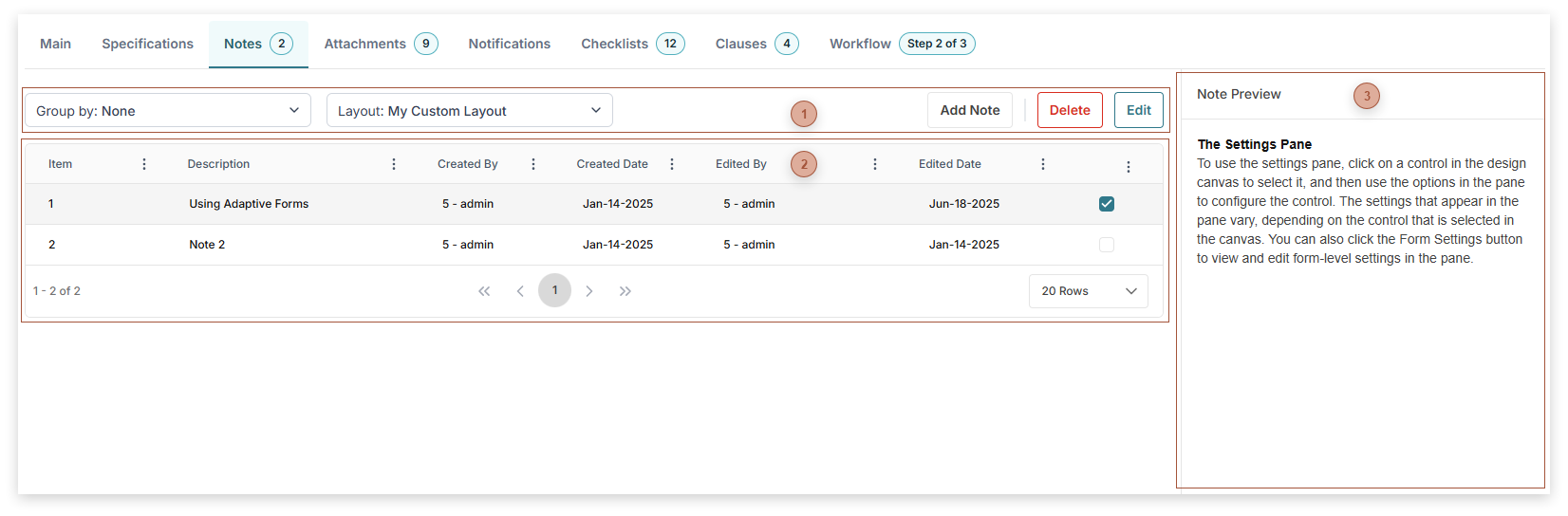
 Notes Tab Toolbar-
Edit Button - Highlight one line in the table and then click this button to open the Note Editor Dialog with the note loaded.
-
|
 Notes Tab Table
-
-
Description Field - This field cannot be edited in the table but it can be directed in the Note Editor Dialog.
-
Created By Field - Read only
-
Created Date Field - Read only
-
Edited By Field - Read only
-
Edited Date Field - Read only
|
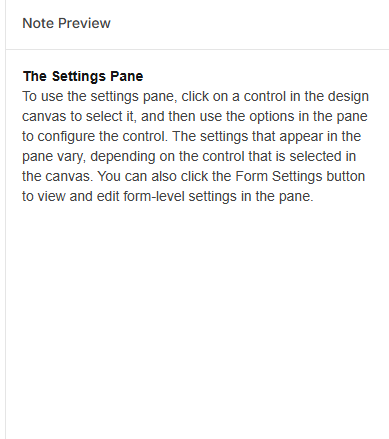
 Notes Tab Preview
|