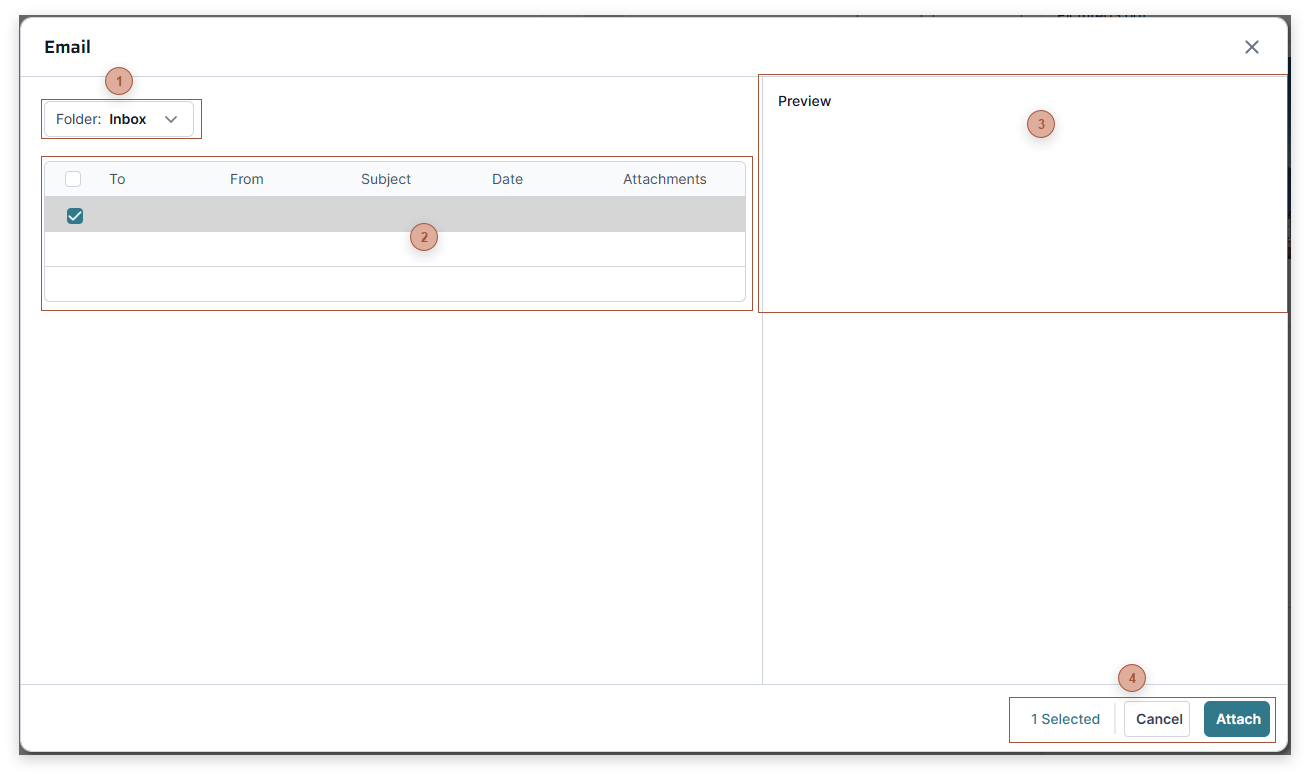
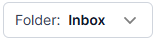
Folder ListClick to select either the Inbox or Sent folder.
|
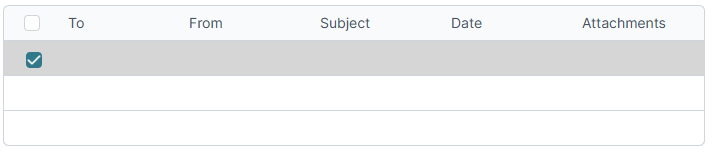
 Email ListClick an email in the list to select it and to see its details in the Details Pane.
|
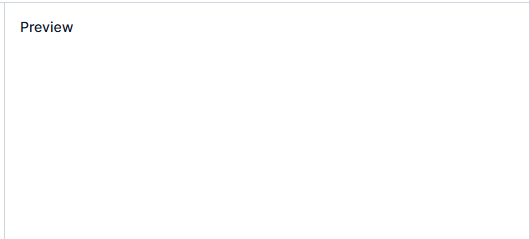
 Details PaneThis pane shows the details for the email selected in the Email List.
|
 Dialog ToolbarClick Attach to save the attachment
|
|