Leases
Use this record type to define, edit, and monitor leases - revenue or expense.
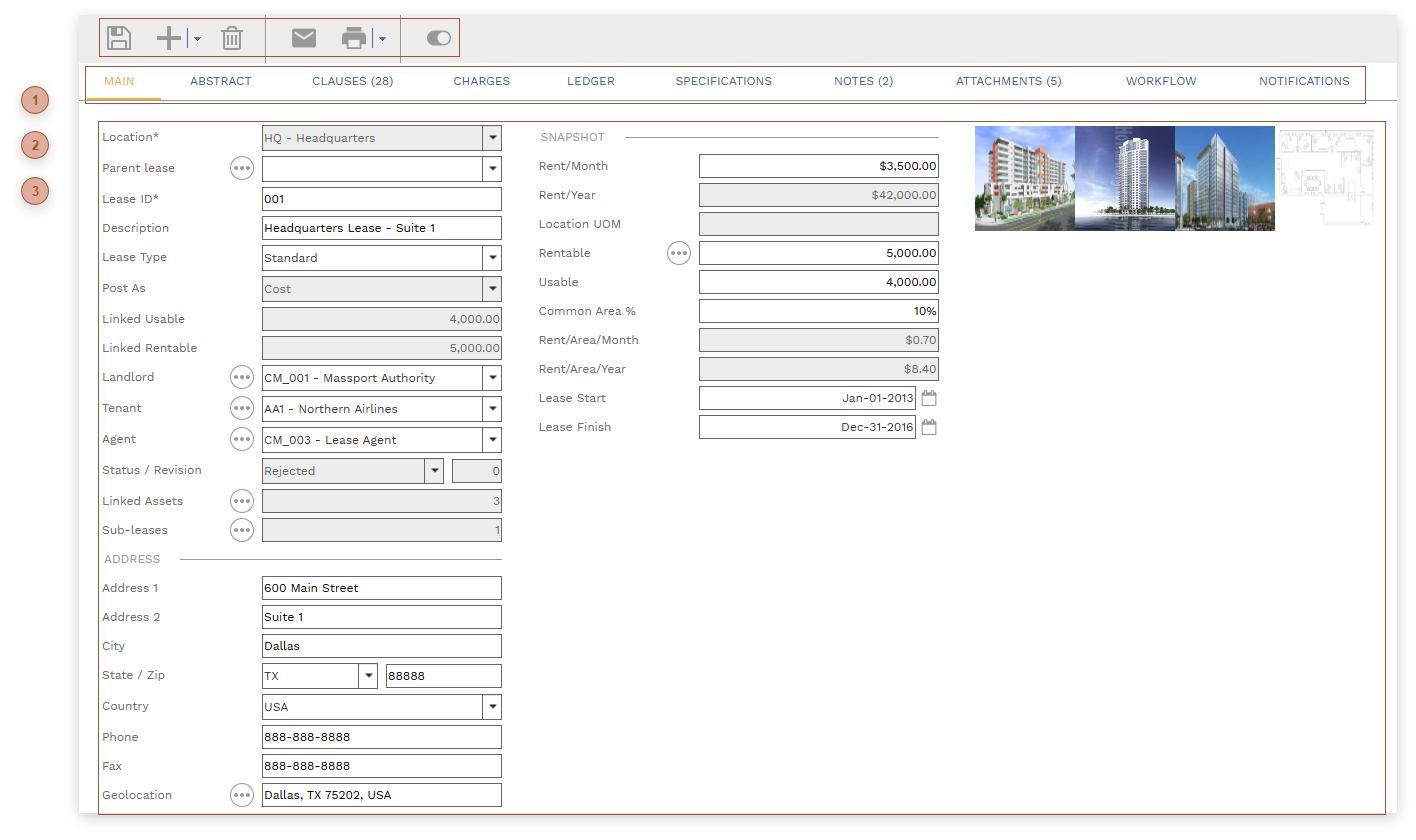




 HEADER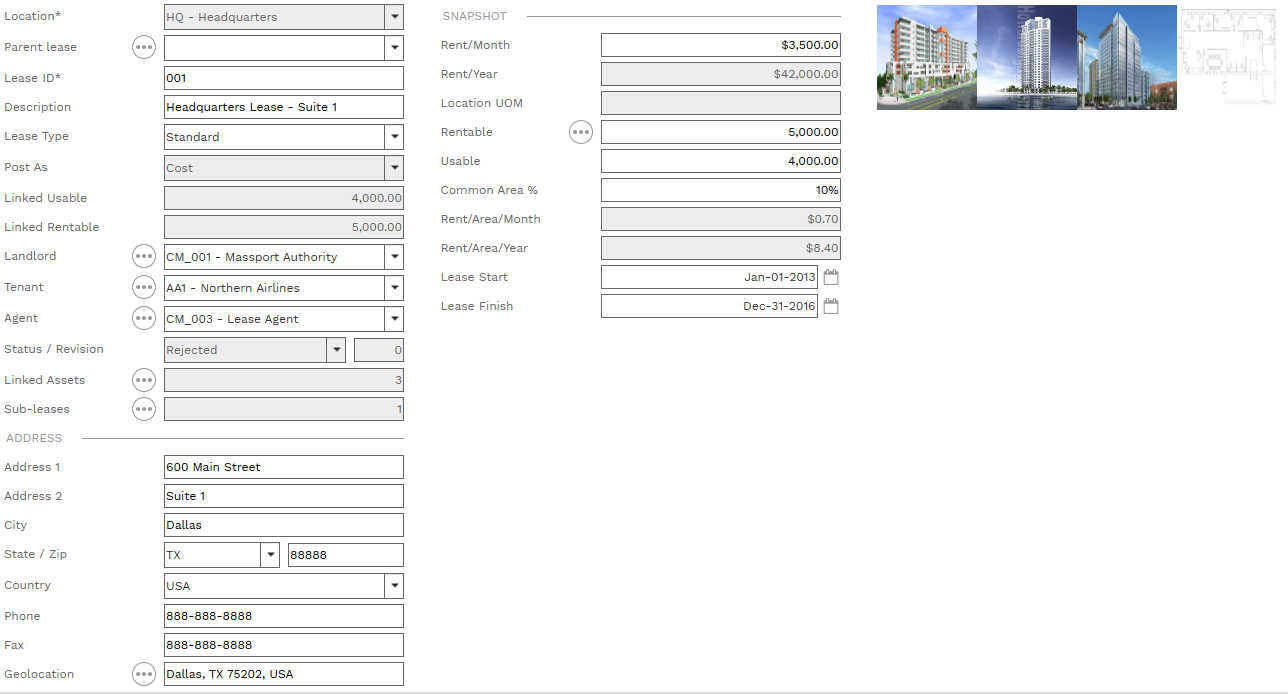
Cost - Lease charges are posted to the "Tenant Costs" worksheet column in Cost Ledgers and payments are posted as "Payments A/P (Tenant)"
Revenue - Lease charges are posted to the "Tenant Revenue" worksheet column and payments are posted as "Payments A/R (Tenant)"
Linked Usable - Calculated as the sum of Usable from all assets linked to the lease
Linked Rentable - Calculated as the sum of Rentable from all assets linked to the lease
Rent/Month Field - A currency field for noting the expected rent
Rent/Year Field - Read only. Rent/Month times 12.
Location UOM - Read only. Note that the area unit of measure is determined by the selection in the Area UOM field in the Location.
Rentable - Enter an number here in the displayed UOM or click the helper button to open the Visual Calculator Dialog
Usable - Enter an number here in the displayed UOM or click the helper button to open the Visual Calculator Dialog
Common Area % - Enter a percentage here.
Rent/Area/Month - Read only. Rent/Month divided by Rentable.
Rent/Area/Year - Read only. Rent/Area/Month times 12.
Lease Start - Date Field
Lease Finish - Date Field
|