Layouts Button
Layouts are saved settings applied to make grids look a certain way. Layouts can be created and saved by individual users - as described below - and by system administrators in the Grids & Sub-grids Tab in Settings.
Click this button to open a dropdown menu:
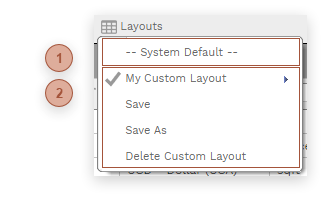


 CUSTOM LAYOUT SECTION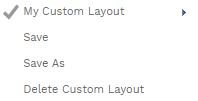 All of the custom layouts you have access to will be displayed in this section. If a layout is currently loaded a icon will appear next to it.
Click the flyout button to the right of a custom layout and then click the Edit Custom Layout button to open the Grid Layout Dialog.
|