Home Page Tab
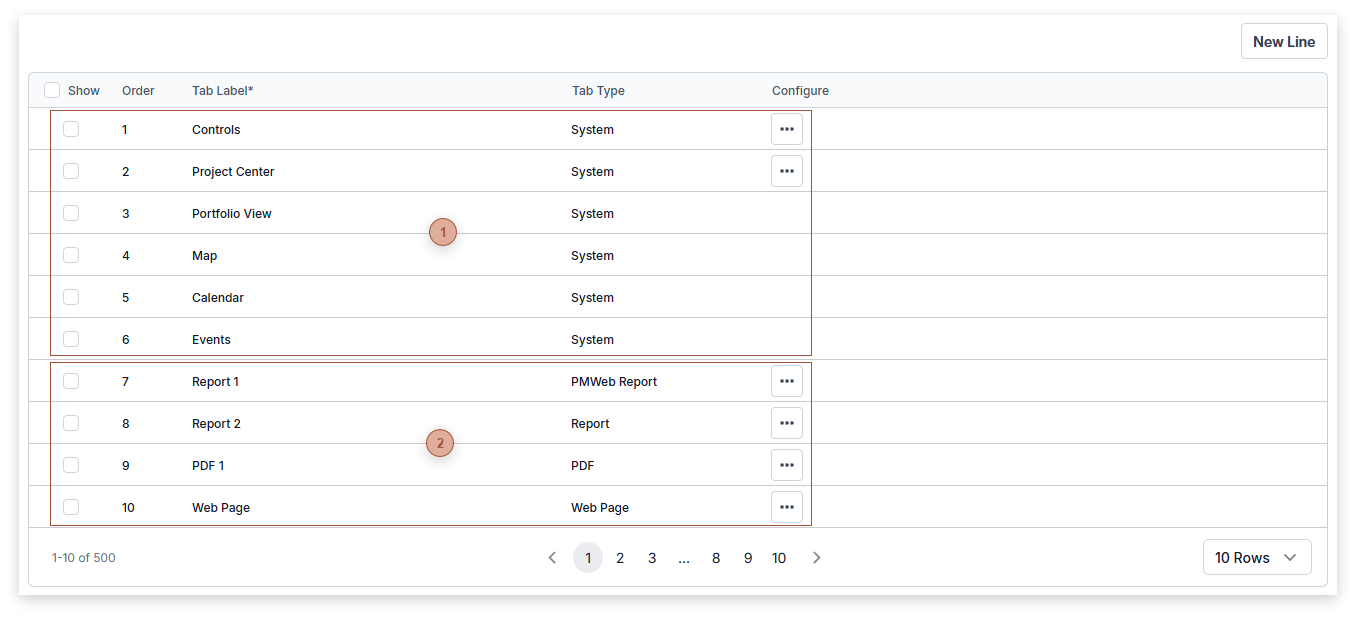
Use this section to configure tabs that are shown in your user home page. An unlimited number of lines can be added to the table. Use the Show checkbox to determine which tabs display and edit the Order field to determine their order in the home page. Several tab types are available:
-
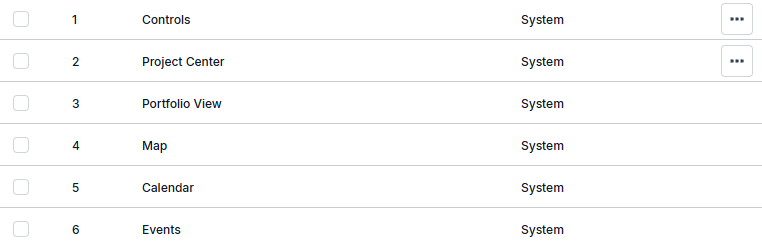
System - These tabs are defined by PMWEB and may be hidden but not deleted. See Controls Tab, Portfolio View Tab, Project Center Tab, Map View Tab, Events Tab, and Calendar Tab
-
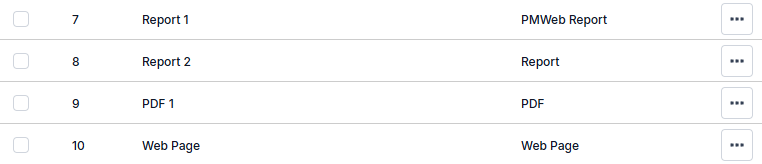
Web Page - This displays a Web page embedded within a tab in the home page.
-
PDF - This displays a PDF document (single or multi-page) within a tab in the home page.