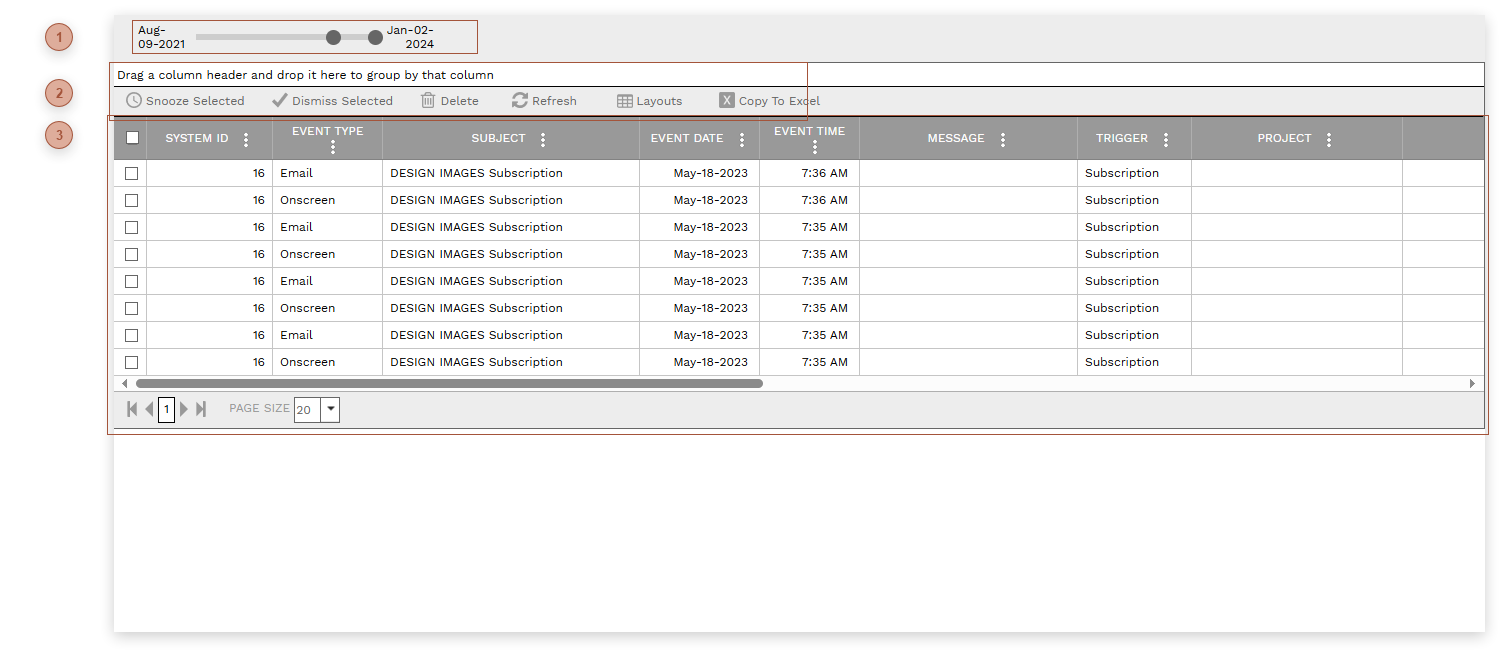
Features in all modules of PMWEB can create date specific "events", with associated reminder messages to one or more users. Users can see and manage all of their events from this central page. Administrators can see and manage all users' events.
DATE SLIDER
Date Slider - Use this slider to determine the date range of events to view. Moving the slider controls automatically filters the Events table.
Snooze Selected Button - Select one or more lines in the table and then click this button. You will be prompted to enter a date in the future. The Event Date for each selected line is changed to that date.
Dismiss Selected Button - Select one or more lines in the table and then click this button. Dismissed By, Dismissed Date, and Dismissed Time will automatically be filled in for each selected line.
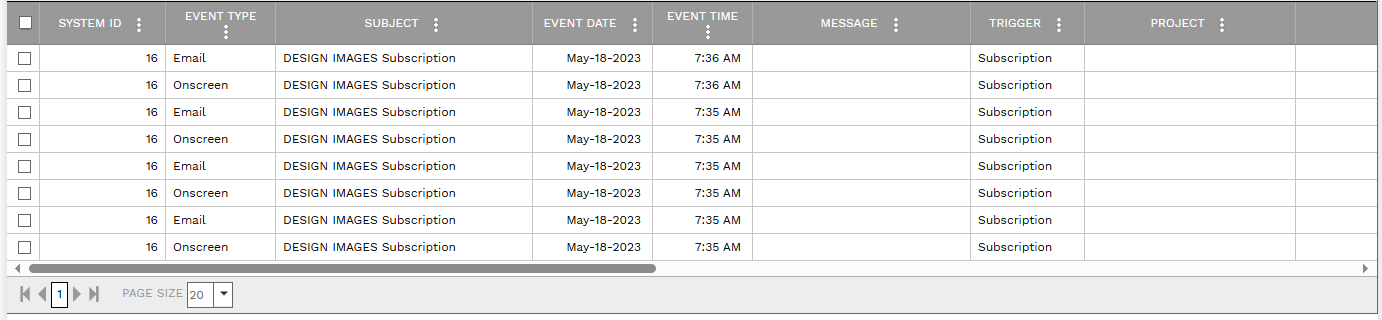
This table displays all events that have reached their trigger date. All fields in the table are read only. Most users see only their events. Administrators can view everyone's.