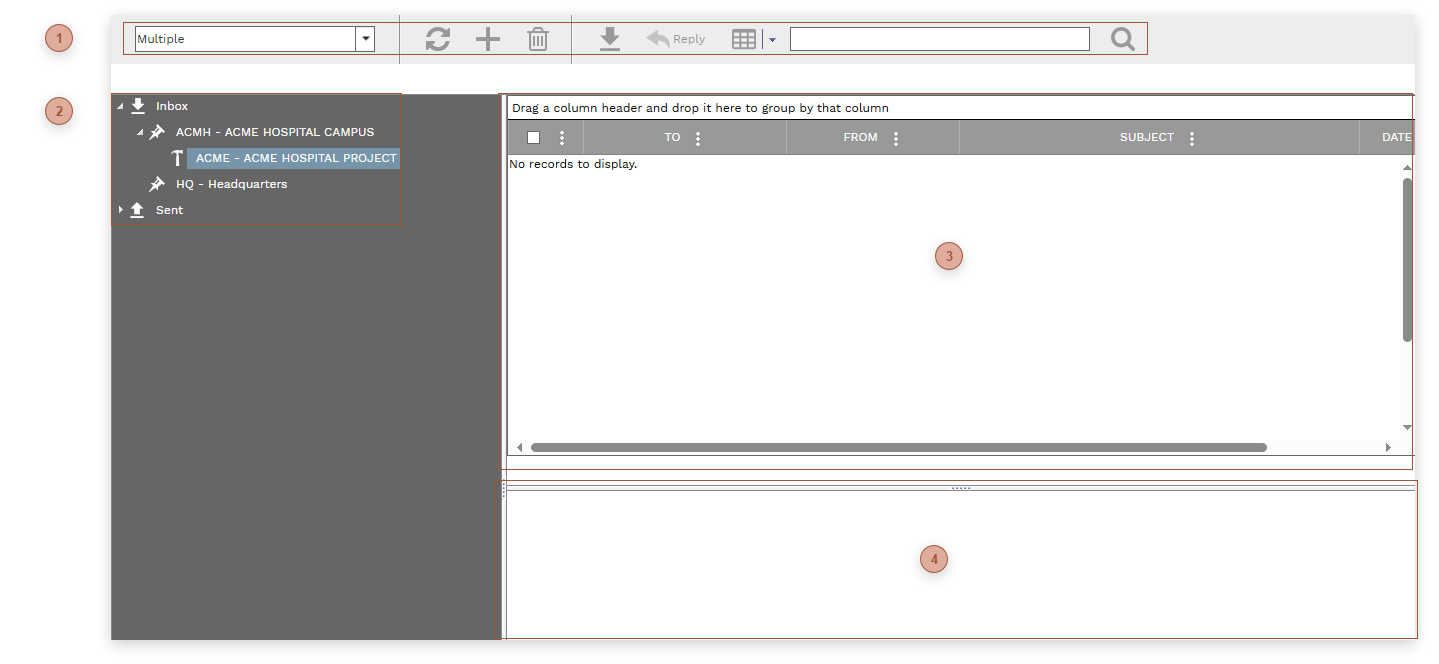
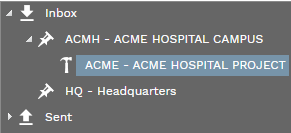
If configured in Email Setup, PMWEB can retrieve and store incoming project-related emails. Use the tree to select a project and then click the Receive button.
HEADER TOOLBAR
Filter Dropdown List - Use this list to select to select one or more projects or locations to show in the Inbox / Sent Box Tree
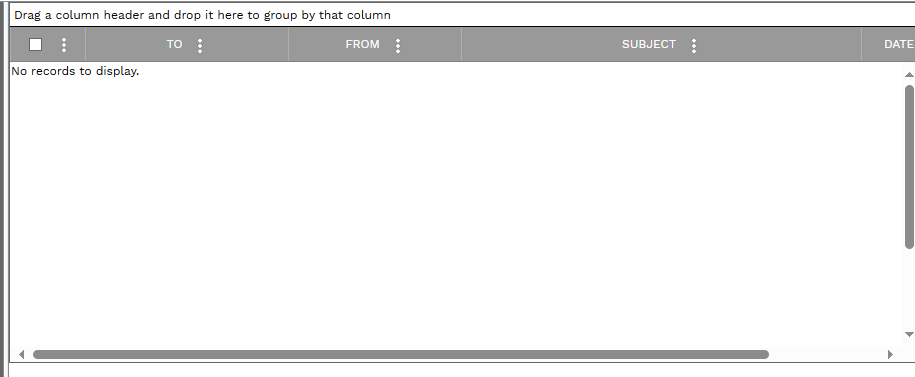
Refresh Button - Click this button to display the latest data in the Message Pane
Write New Email Button - Click this button to open a new, empty, email message
Delete Button - Place a check next to one or more messages in the Message Pane and then click this button to delete them
Receive Button - Click this button to download messages from your email server to PMWEB
Reply Button - Select a message in the Message Pane and then click this button to open a new email message with the address filled in
Layout Button - Click this button to save your current layout in the Message Pane or to load the system default layout
Search Field - Type text in this field and then click the Search Button to execute a message search