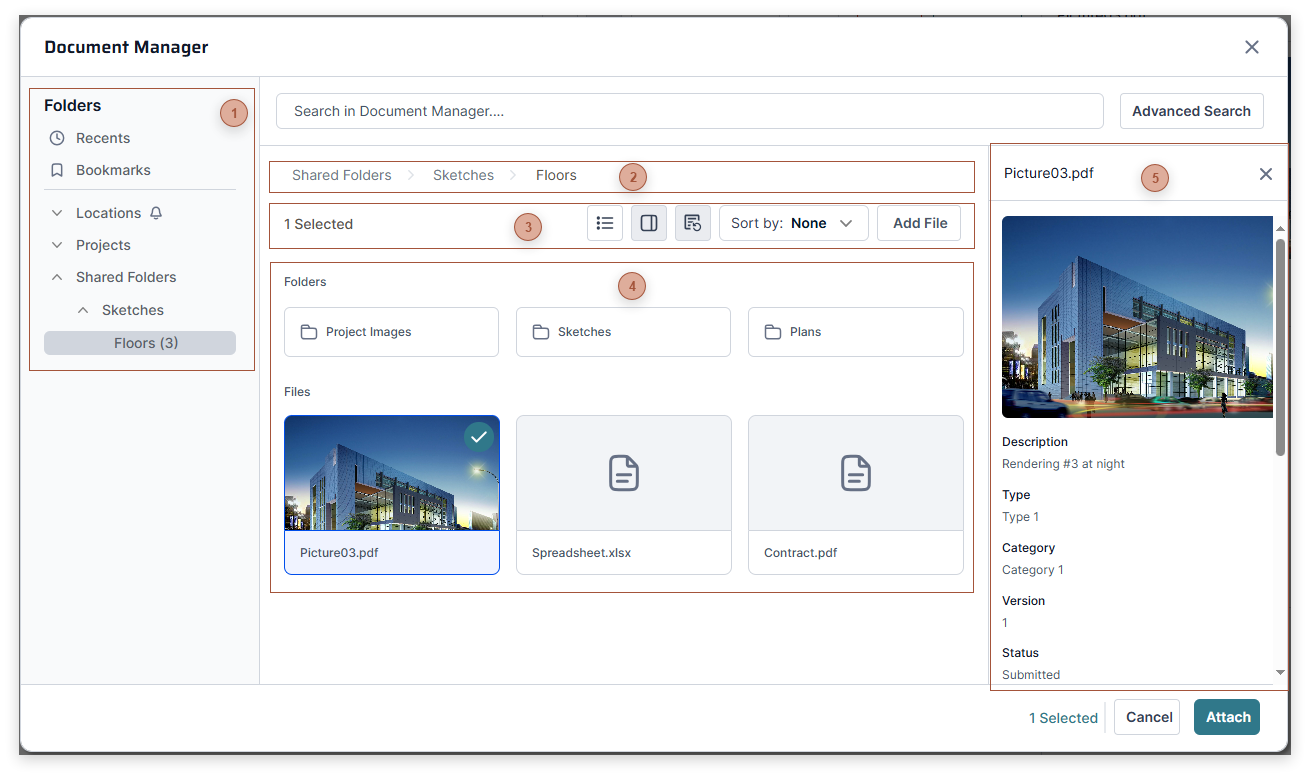
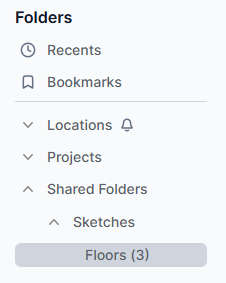
The breadcrumbs are fully interactive. Use them to navigate up or down in a chain of folders. By default, the dialog opens to the root folder of the location or project that the current record is associated with. See Document Manager for more information about using the breadcrumbs to navigate between folders.
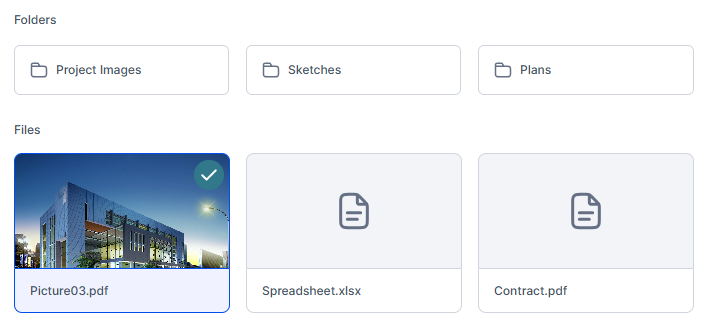
The Explorer shows all folders and files within the current folder. Select one or more folders or files here and then click the Save button to create links to them in the Attachments tab of the current record.