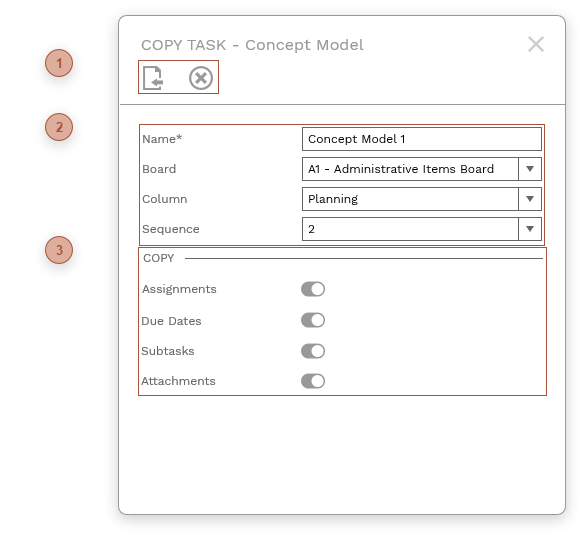
Use this dialog to copy a task to the current board or a different one.
 DIALOG TOOLBAR |
 DIALOG FIELDS
-
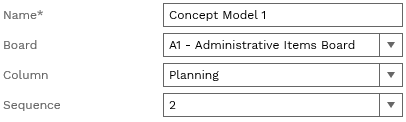
Name field - Required. Enter a name for the copy of the current task. -
Board field - A list of all of the active boards you are a member of. Select a board to copy the task to. This defaults to the current board. -
Column field - A list of the columns in the board selected in the Board field. Select a column to copy the task to. This defaults to the column of the current task. -
Sequence field - A list of the ordinal places in the column selected in the Column field. Select a sequence for the copy. This defaults to last place in the column selected in the Column field.
|
 COPY OPTIONS
-
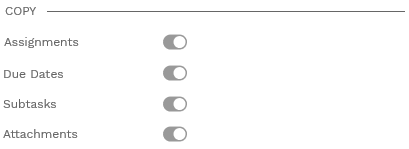
Assignments switch - Switch on to copy the assignments for the task and subtasks. Note that selecting a board other than the current one in the Board field automatically turns off and disables this switch. -
Due Dates switch - Switch on to copy the due dates for the task and subtasks -
Subtasks - Switch on to copy the subtasks -
Attachments - Switch on to copy the attachments for the task and subtasks
|