Clauses Dialog
This dialog is used to add lines to the Clauses tab in records. To use this dialog:
-
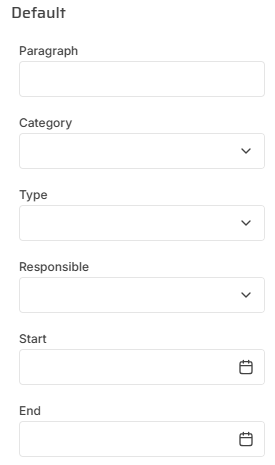
Group the cost codes tree as you wish
-
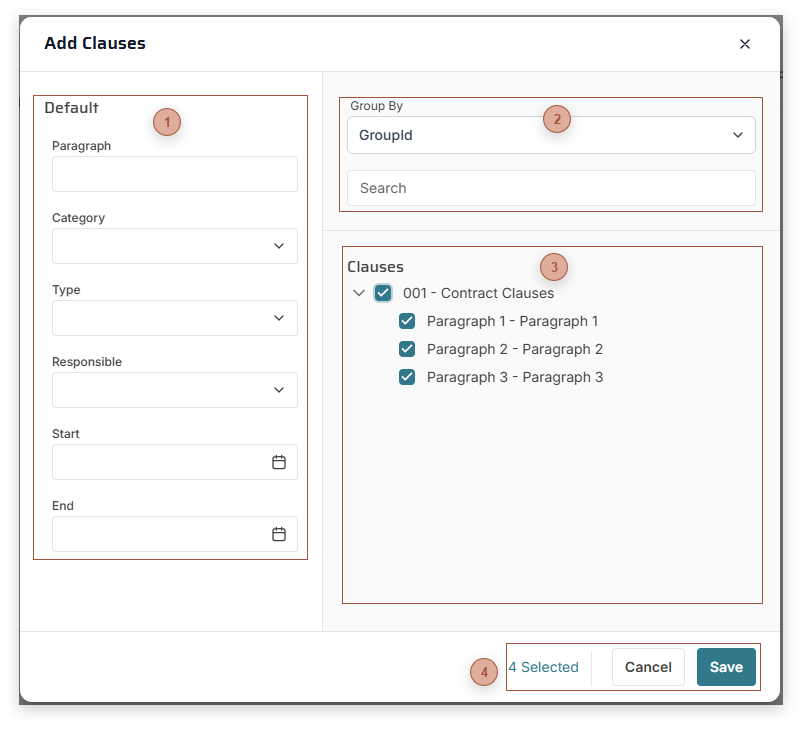
Make selections in the Defaults section
-
Check the Clauses you want to add to the record
-
Click the Save button


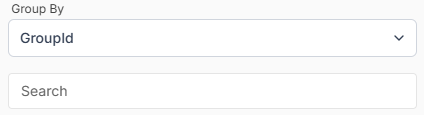
 Clauses Tree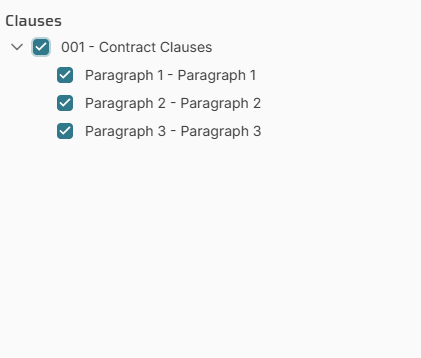 A list of Clauses associated with the record type. Click one or more clauses or groups to select them.
|

