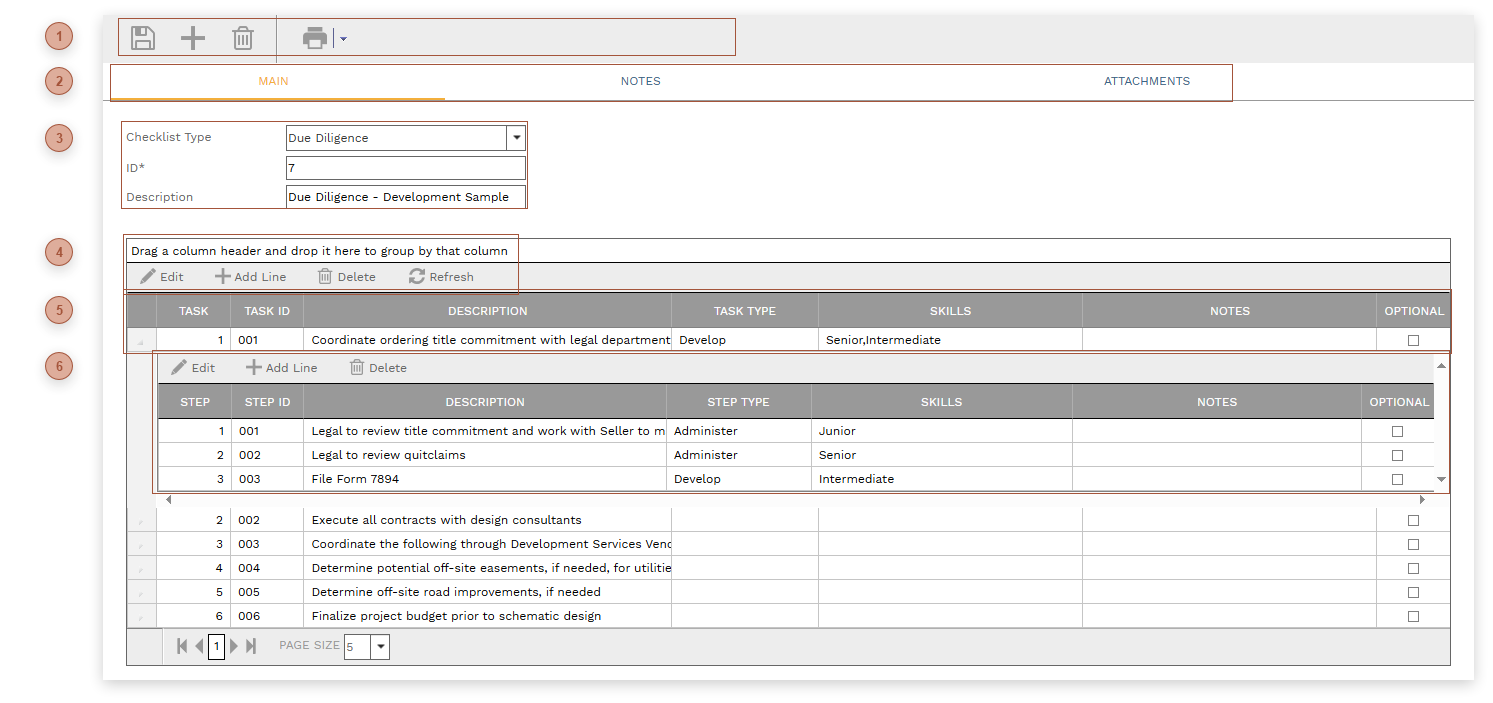
Use checklists to list, assign, and monitor the completion of, an unlimited number of tasks that need to be performed for a record. Each task can be comprised of an unlimited number of steps. Checklists defined here can be dragged and dropped into the Checklists Tab of records.
 HEADER TOOLBAR |
 RECORD TABS |
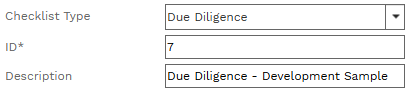
 HEADER
-
-
ID Field - Required. An alphanumeric ID for the record.
-
|
 TABLE TOOLBAR |
 TASKS TABLEUse the Add button to create as many checklist tasks as you wish. Fields include:
-
Task - Read only. The order that the task appears in the checklist. This field can be indirectly edited by dragging and dropping up or down in the table.
-
Task ID - An alphanumeric ID for the task
-
-
-
-
-
Optional Checkbox - Place a check in this field to note the task as optional
|
 STEPS SUB-TABLEUse this sub-table to create an unlimited number of steps per task
|
|