Add Scoring Dialog
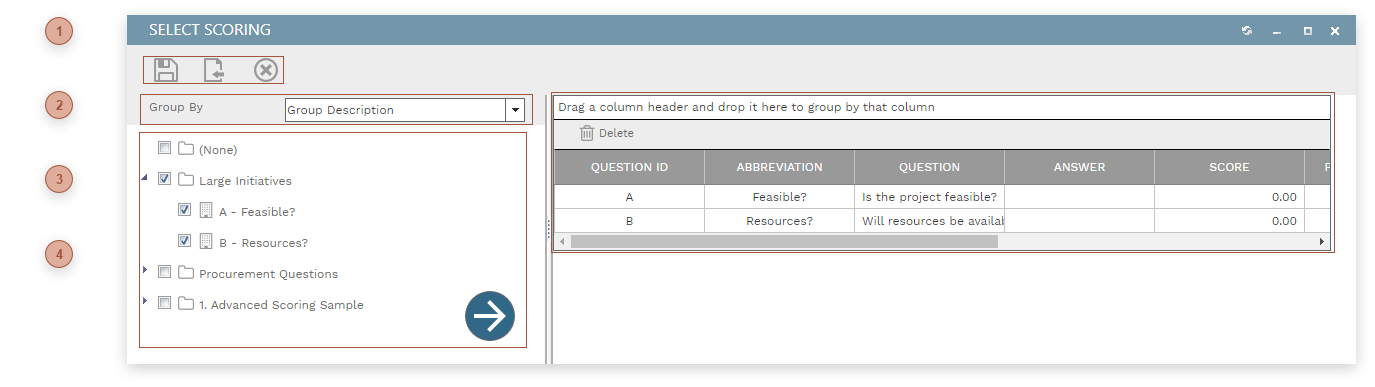
This dialog is used to add lines to the Scoring tab in records. To use the dialog:
-
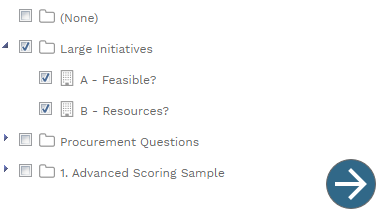
Group the resources tree as you wish
-
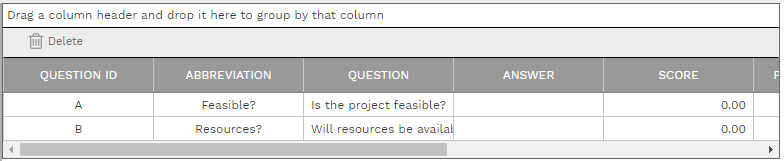
Drag questions or groups from the tree on the left and drop them on the table on the right
-
Click the Save button
See Responsive Dialog Formats for information about how this dialog adapts itself to varying screen sizes.