User Guide PMWEB 2025
×

Add Resources Dialog

 
This dialog is used to add lines featuring resources to records. To use the dialog:
  • Click on a tab - Labor or Equipment
  • Group the resources tree as you wish
  • Drag resources or groups from the tree on the left and drop them on the table on the right
  • Click the Save or Save and Exit button
 
See Responsive Dialog Formats for information about how this dialog adapts itself to varying screen sizes.
 
Add Resources Dialog
1

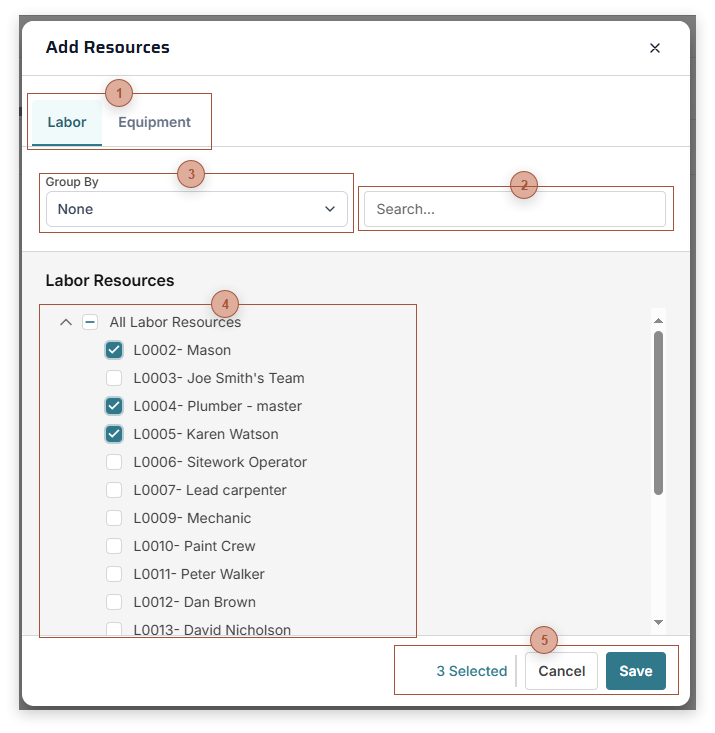
Resource Class Tabs

1. Resource Class Tabs
Resources are classified as "Labor" or "Equipment". Click a tab to see resources of that class.
2

Group by Dropdown

2. Group by Dropdown
The selection here determines how the resources tree is grouped.
3

Search Field

3. Search Field
Type text here and press ENTER to filter the Resources Tree.
4

Resources Tree

4. Resources Tree
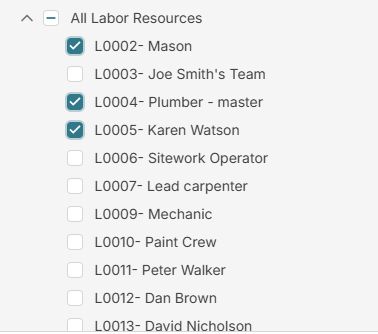
A tree view of the resources. Click one or more resources or groups to select them.
5

Dialog Toolbar

5. Dialog Toolbar